Albania
 Argentina
 Australia
 Austria
 Belgium
 Bosnia and Herzegovina
 Brazil
 Bulgaria
 Canada
 Chile
Chile
 Colombia
 Croatia
 Czech Republic
 Denmark
 Estonia
 Finland
 France
 Germany
 Greece
 Hungary
 Ireland
 Italy
Italy
 Latvia
 Lithuania
 Luxembourg
 Mexico
 Moldova
 Montenegro
 Netherlands
 New Zealand
 North Macedonia
 Norway
 Philippines
 Poland
 Portugal
 Romania
 Serbia
 Slovakia
 Slovenia
 South Africa
 Spain
Spain
 Sweden
 Switzerland
 Turkey
 Ukraine
 United Kingdom
 United States of America



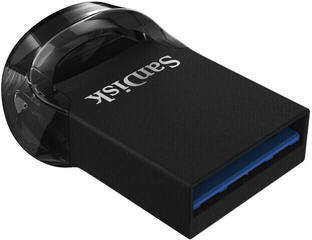
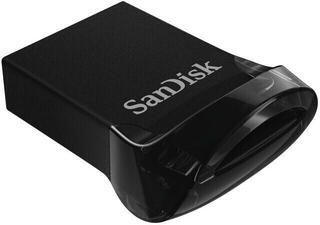
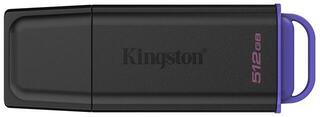
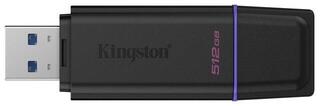
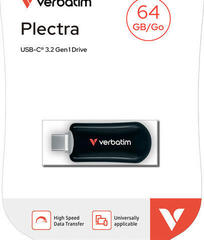
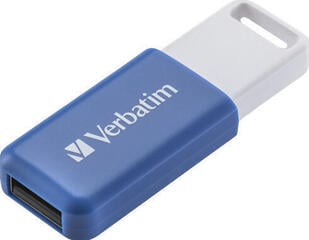
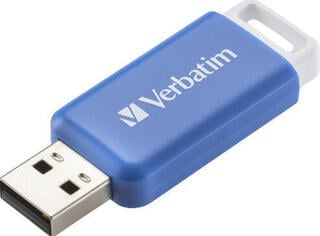
USB Flash Drives
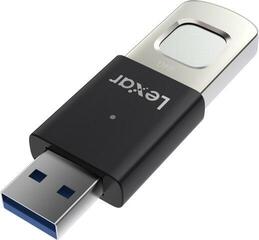
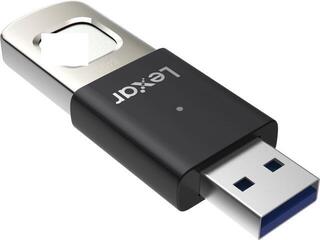
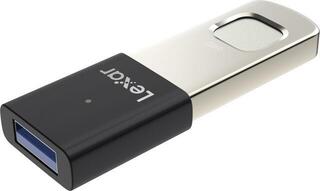
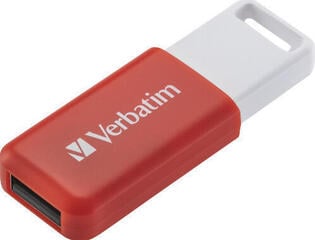
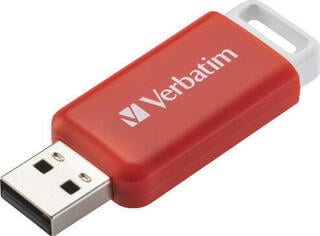
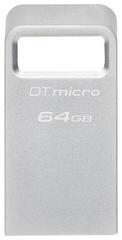
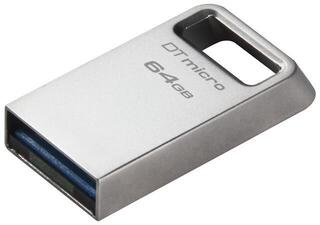
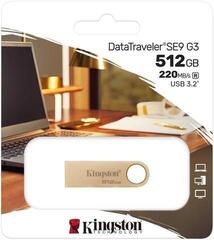
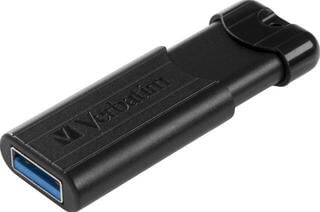
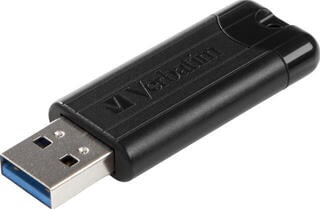
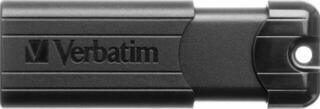
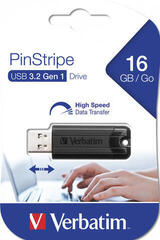
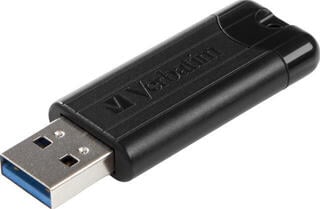
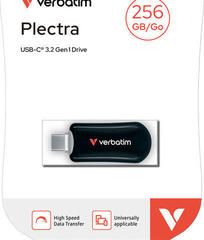
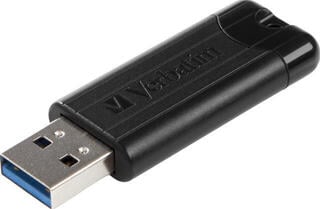
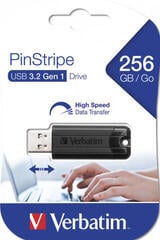
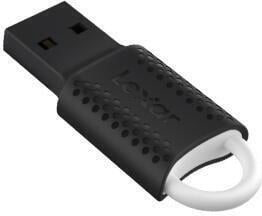
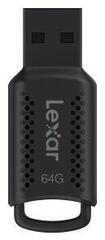
USB flash drives are used to transfer, temporarily store and share files between devices. Capacity should not be your only consideration when choosing one, as the connector type, device support and how you intend to use the storage are also important. You will value different features when transferring documents than when working with large photos or videos. A well-chosen model will let you connect the storage without unnecessary adapters and carry it comfortably.
USB flash drives by type of use
First, consider what files you want to store and which devices you will move them between. A smaller capacity may be enough for ordinary documents, while a collection of photos, videos or work materials requires more storage space. Allow some extra room for future files as well, so that you do not have to delete content frequently or split it across multiple storage devices.
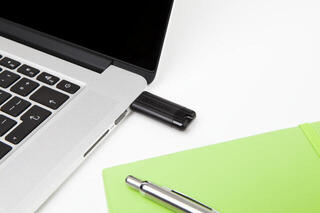
If the USB flash drive will often move between your home and work computers, focus on easy portability and a durable connector design. Compact dimensions may be more important when you only share files occasionally. For regular work with larger amounts of data, check not only the flash drive's interface but also the capabilities of the computer port, as both sides of the connection affect the resulting transfer.
| Use | What to check |
|---|---|
| Transferring documents between computers | Type of available ports, sufficient capacity and file system format |
| Storing photos and videos | File sizes, spare storage capacity and the device's supported interface |
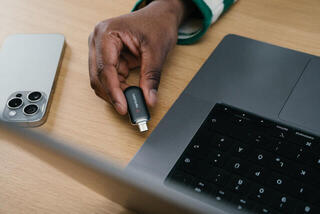
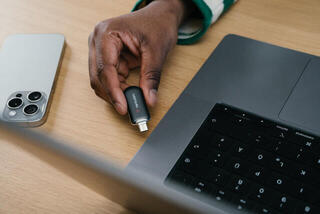
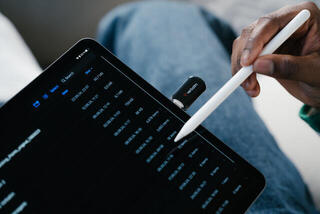
| Connecting to a phone or tablet | Matching connector, external storage support and how files are handled |
| Playing content on a TV or car stereo | Supported file system, media formats and port accessibility |
| Frequently carrying it in a pocket or on a key ring | Casing design, connector protection and an attachment option |
| Exchanging files between different systems | Formatting compatibility and any file size limitations |
Capacity and practical file transfer
Choose the capacity according to the actual content, not just one current folder. Text documents usually take up less space than photos, video recordings or installation files. If the USB flash drive is intended for regular transfers, leaving some spare capacity will make copying easier without constantly having to free up space. The stated total capacity may also differ from the space available after formatting.
Transfer speed depends on the USB flash drive, port, device and type of data. Copying one large file may behave differently from moving a large number of small items, so do not rely solely on the interface label. Always use safe eject when disconnecting, especially if the device is currently writing data. A USB flash drive is suitable for transfers, but it is sensible to keep important files in another location as well.
Connector and device compatibility
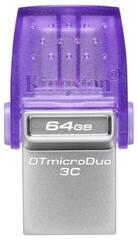
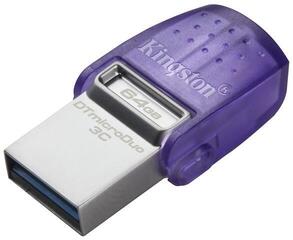
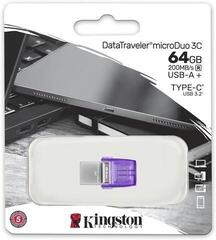
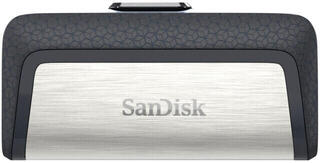
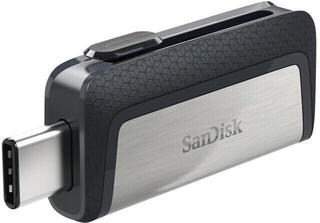
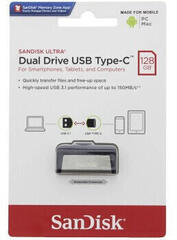
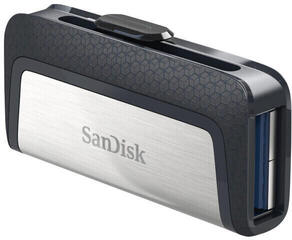
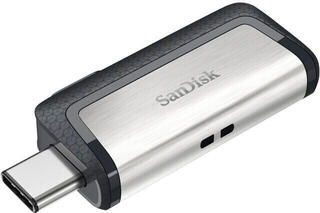
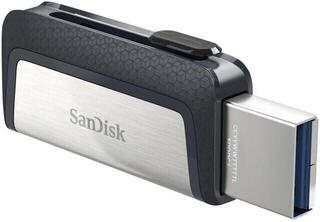
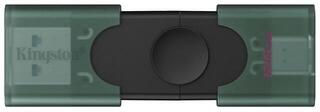
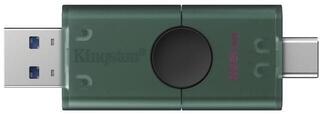
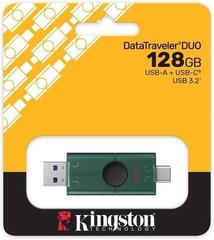
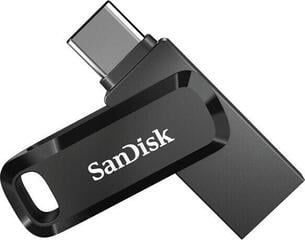
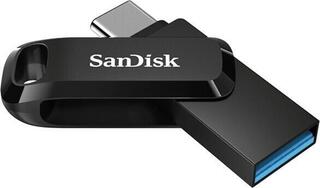
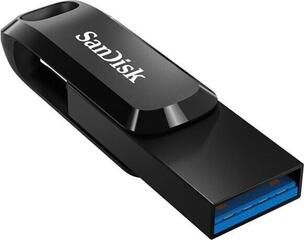
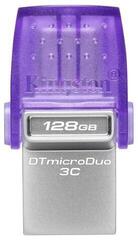
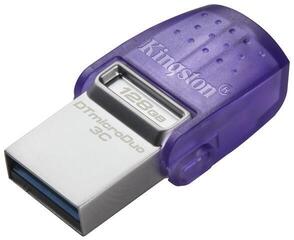
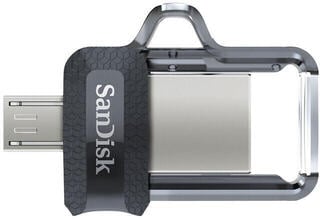
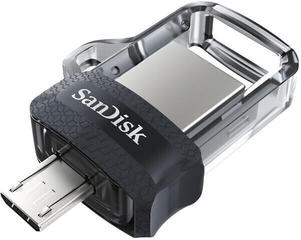
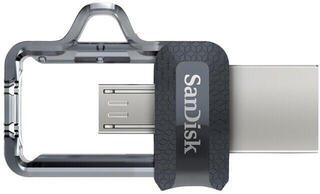
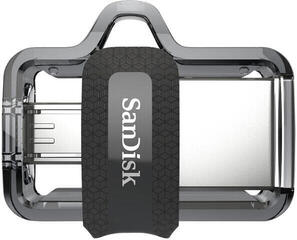
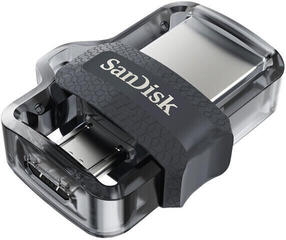
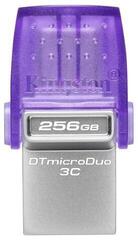
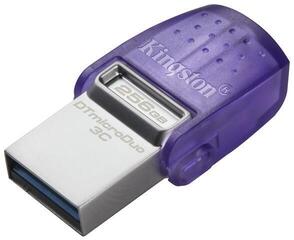
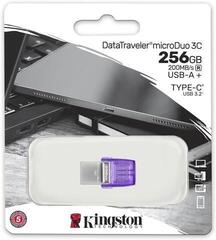
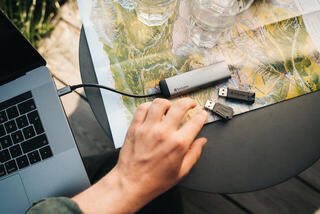
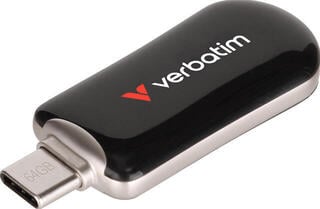
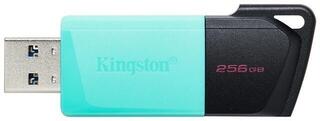
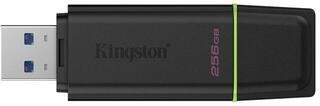
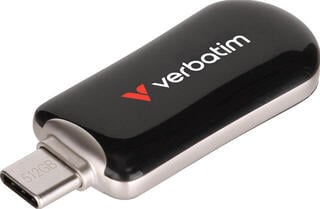
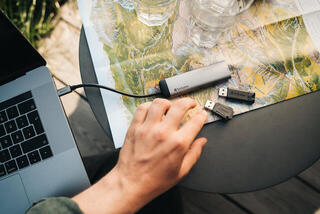
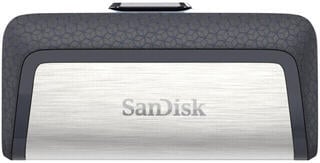
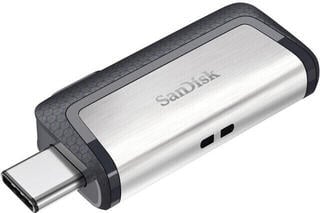
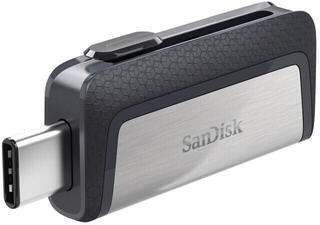
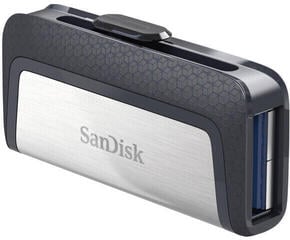
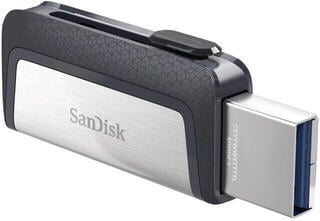
The most common options are the classic rectangular USB connector and the smaller reversible connector used in many newer devices. Some USB flash drives combine both types, which can make transfers between a computer and a mobile device easier. The shape alone does not guarantee compatibility, however. Check whether your phone, tablet, TV or car stereo supports external storage and can read the file system in use.
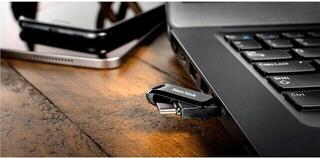
The physical accessibility of the port is also important. A wider flash drive body may prevent you from connecting other accessories to adjacent ports, while a thick phone case may stop the connector from being fully inserted. If you use an adapter, check that it supports a data connection rather than power only. On devices managed by an employer, the use of external storage may be restricted by system settings.
What to check before choosing
- Compare the capacity with the type and quantity of files you normally transfer.
- Check the connectors on all devices between which you want to move data.
- Check external storage support on your phone, tablet, TV or other target device.
- Find out which file system the devices can read and write.
- Consider whether you need one connector, a dual-connector design or a separate adapter.
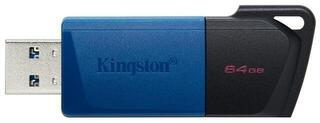
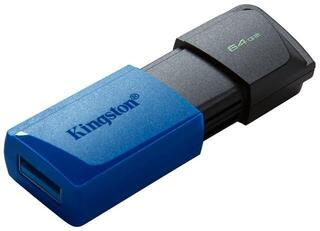
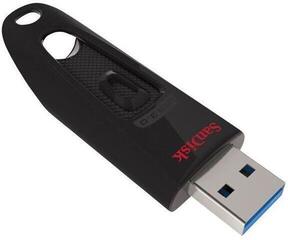
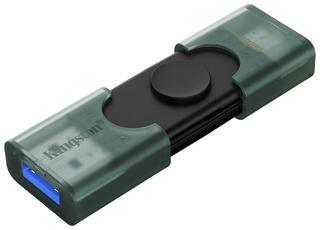
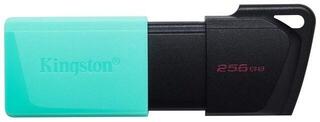
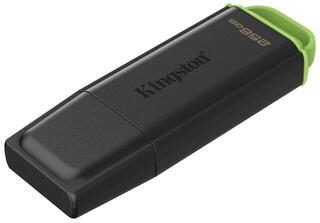
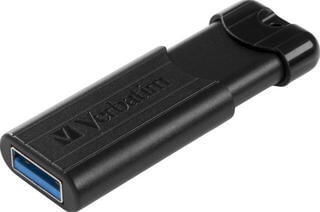
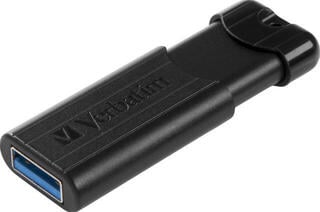
- Assess the connector protection, such as a cap, retractable mechanism or swivel body.
- Check the body dimensions in relation to port spacing and any protective cases you use.
- If you carry it frequently, consider an attachment option and a design without parts that are easy to lose.
Design and care
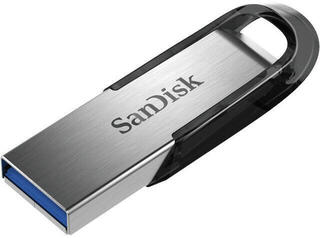
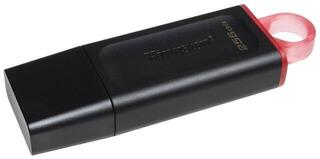
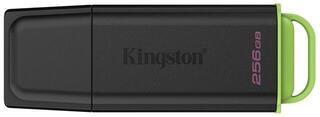
The design affects convenience in everyday use. A solid body may withstand frequent handling better, while a small design takes up little room when carried. A cap protects the connector but can become separated from the body; a retractable or swivel mechanism replaces it with a moving part. Choose a solution that suits whether the drive will usually be kept in a drawer, bag or on a key ring.
Protect the storage device from moisture, dirt, high temperatures and mechanical stress. Insert the connector without force and do not move the drive during transfers. If you carry sensitive or irreplaceable data on it, do not rely on a single copy and also consider the file protection options provided by your device or the software you use.