Albania
 Argentina
 Australia
 Austria
 Belgium
 Bosnia and Herzegovina
 Brazil
 Bulgaria
 Canada
 Chile
Chile
 Colombia
 Croatia
 Czech Republic
 Denmark
 Estonia
 Finland
 France
 Germany
 Greece
 Hungary
 Ireland
 Italy
Italy
 Latvia
 Lithuania
 Luxembourg
 Mexico
 Moldova
 Montenegro
 Netherlands
 New Zealand
 North Macedonia
 Norway
 Philippines
 Poland
 Portugal
 Romania
 Serbia
 Slovakia
 Slovenia
 South Africa
 Spain
Spain
 Sweden
 Switzerland
 Turkey
 Ukraine
 United Kingdom
 United States of America



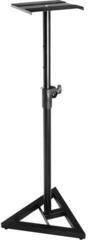
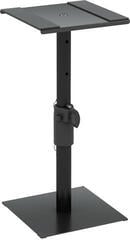
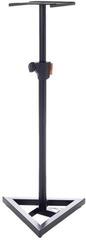
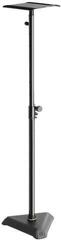
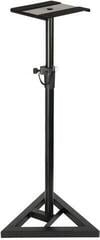
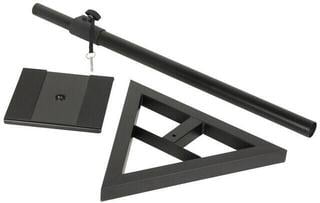
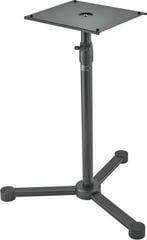
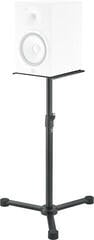
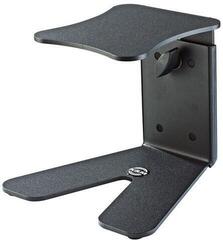
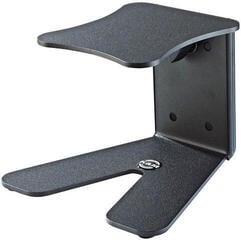
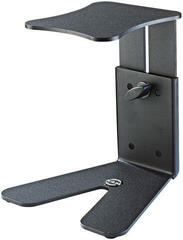
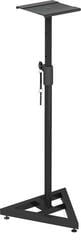
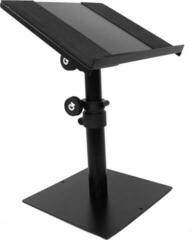
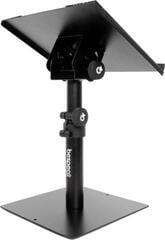
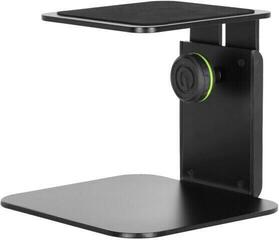
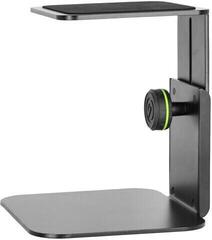
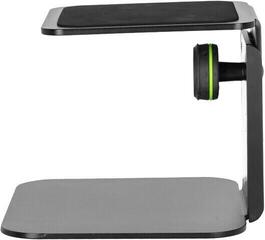
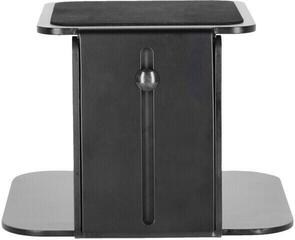
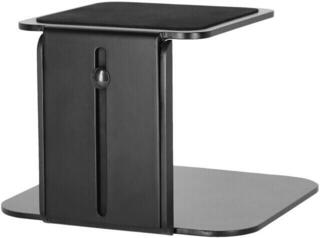
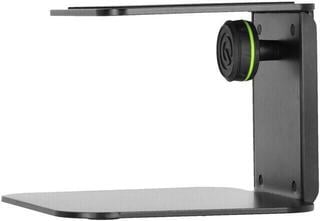
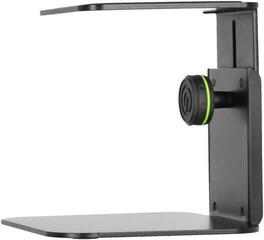
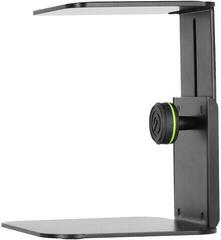
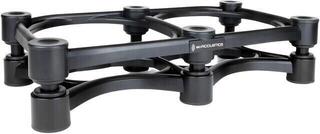
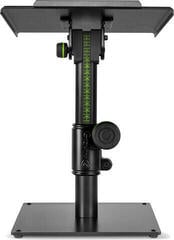
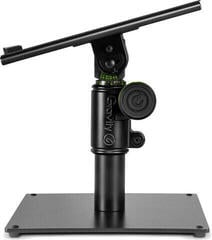
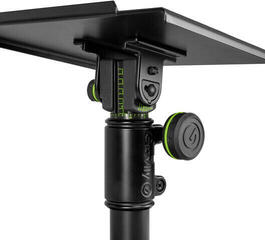
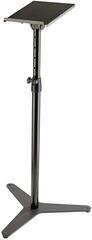
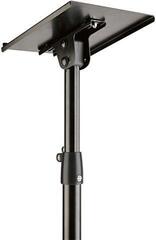
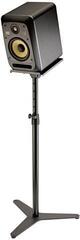
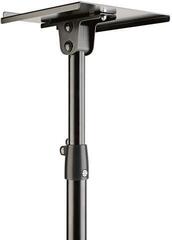
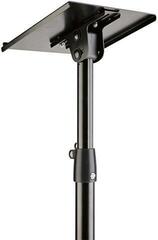
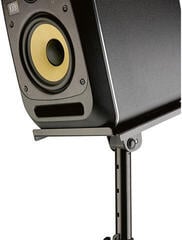
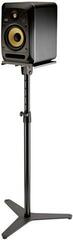
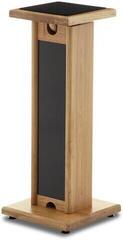
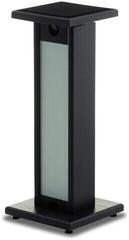
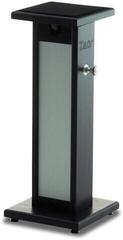
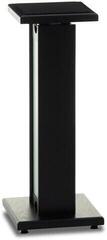
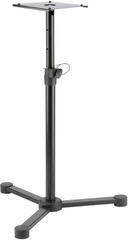
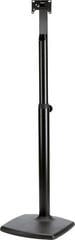
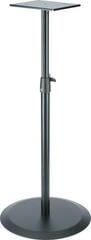
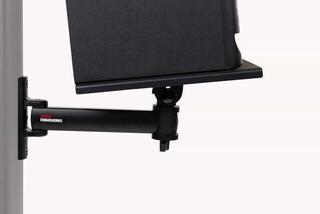
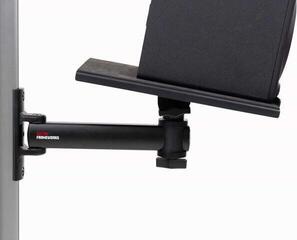
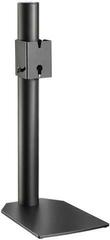
Studio Monitors Stands
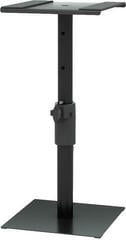
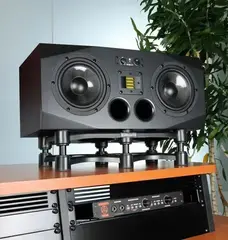
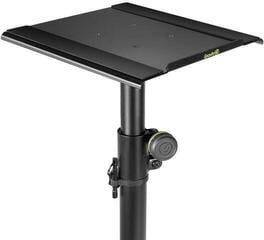
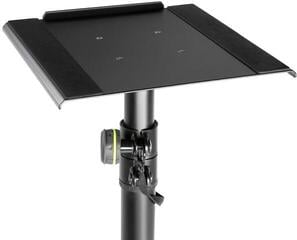
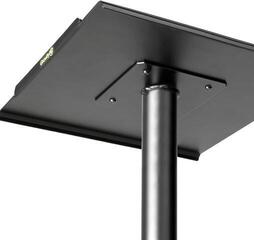
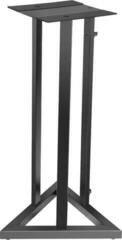
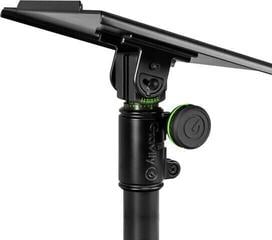
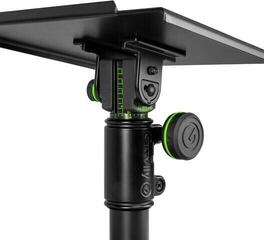
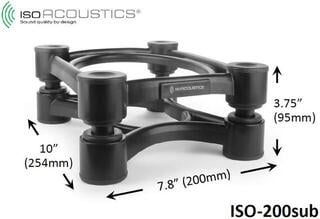
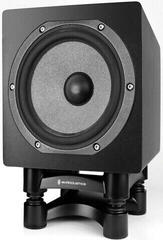
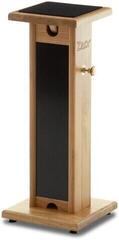
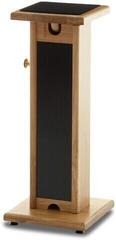
Studio monitor stands let you set speakers at a suitable height, keep them stable and decouple them from the desk. Correct placement helps direct the listening axis towards your ears and create symmetrical left and right channels, but it does not itself correct room acoustics. When choosing, compare top-plate dimensions, load capacity, adjustment range, base and cable-routing method. The stand must suit both the particular monitor and the space in which you move.
What you gain by separating the monitor from the desk
A desk often forces monitors too close together, too close to the wall or below ear level. Its surface also creates early reflections and may transmit vibrations into furniture. A separate stand provides more freedom in spacing and height. The result, however, depends on placement in the room, not only the stand material.
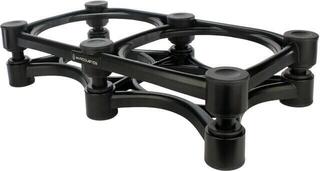
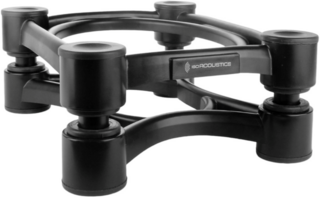
If you have nowhere to place freestanding stands, studio monitor isolation pads on the desk can be an alternative. They help with stable support and separating surfaces, but do not offer the same option to change position in the floor plan. Decide according to the space; neither solution is better in every circumstance.
Comparison of placement methods
| Solution | Setup advantage | Limitation |
|---|---|---|
| Floor stand | Position independent of the desk and often adjustable height | Requires space for the base and safe passage around it |
| Desktop stand | Raises the monitor above the desk without taking floor space | Position remains tied to desk dimensions and stability |
| Isolation pad | A low-profile solution for a monitor already standing at approximately the correct height | Less freedom of height and spacing |
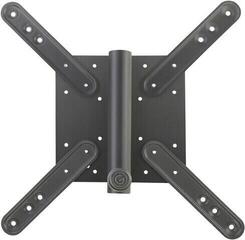
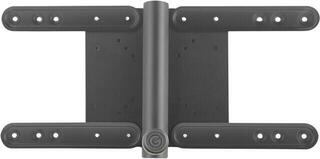
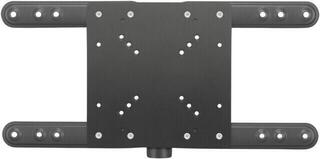
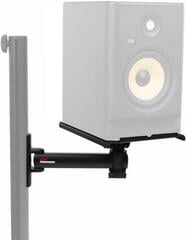
| Wall mount | Frees desk and floor space | Requires a suitable wall, mounting and permitted monitor position |
Dimensions, load capacity and stability
Top plate and load capacity
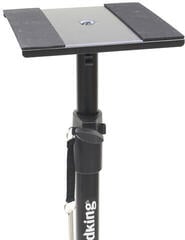
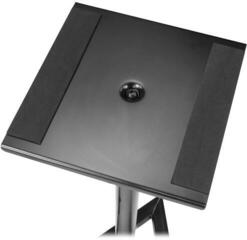
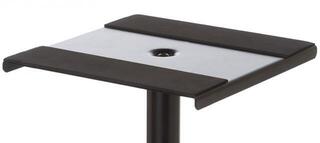
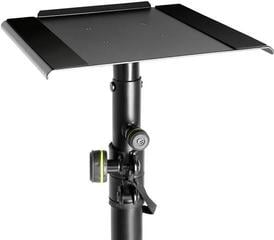
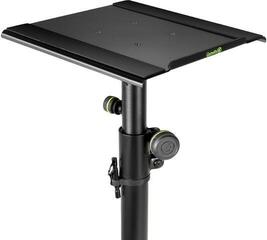
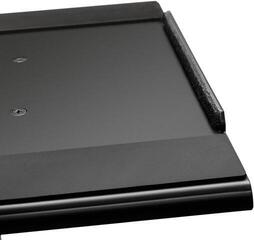
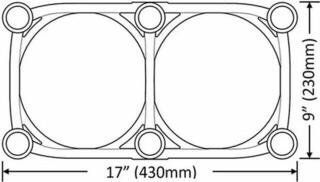
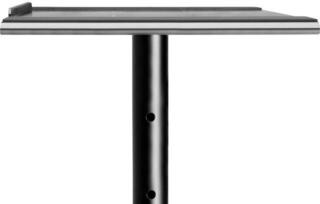
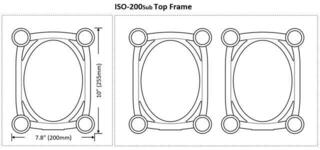
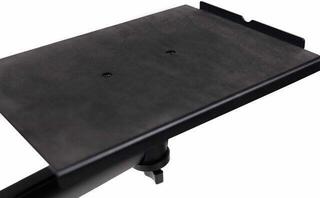
The top plate must support the monitor without a dangerous overhang and without covering ports or controls. Compare the cabinet's width and depth with the usable stand surface. Load capacity must include the weight of one monitor with an appropriate margin according to the stand manufacturer. Do not confuse a figure for a pair with one for a single unit.
Base and floor
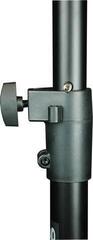
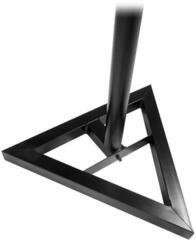
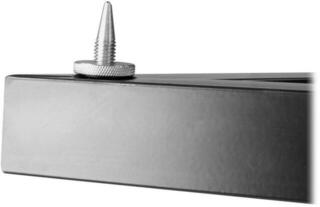
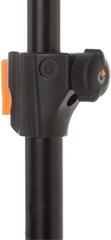
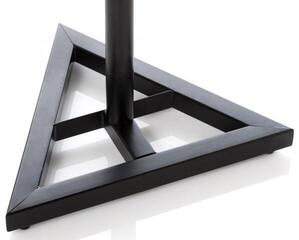
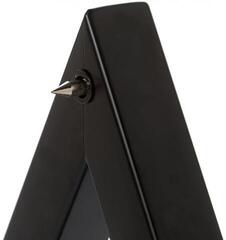
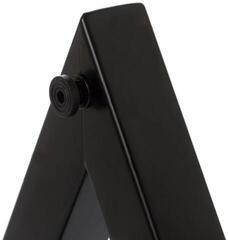
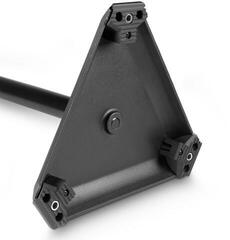
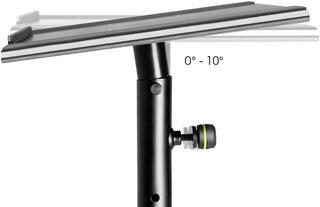
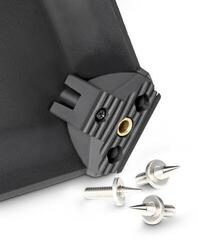
The base needs a level, firm surface. A wide base is usually more stable, but may intrude into chair space or a walkway. Use spikes only on a suitable surface and with floor protection; adjust rubber feet so the stand does not wobble. Do not load the height adjustment outside its specified range, and tighten all locking elements according to the manual.
- Measure the monitor including rear connectors and cable bend.
- Verify the weight of one unit and the stand's declared load capacity.
- Check the dimensions of the top plate and base footprint.
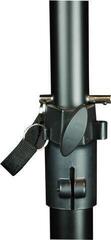
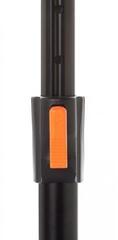
- For an adjustable model, verify the mechanical lock at the required height.
- If there are children or pets at home, give extra attention to tipping and cable routing.
Height and listening geometry
A common starting point is to have the tweeter approximately at ear height in the working seated position. Some monitors specify a different listening axis, so read their manual. Place the left and right speakers at the same height and distance from the listening point. Together with where you sit, they should form an approximately equilateral triangle.
Toe in the monitors symmetrically, then fine-tune their position according to the manufacturer's recommendation and listening. If one stand is near a side wall and the other in open space, the room difference may be greater than the benefit of exact height. When planning a workspace, suitable studio furniture can also help, but the desk and stands must form one functional setup.
What a stand does with vibrations
A stand provides firm support and may reduce the direct transfer of vibration into the desk. The degree of decoupling depends on construction, contact area and any pad. Not every stand automatically removes floor or furniture resonance. If something rattles at certain notes, first locate the specific source.
Hollow columns can be filled on some models, but only if the manufacturer permits it and specifies suitable material or amount. Unsuitable fill can damage the mechanism, change the centre of gravity or spill into the room. Improvised weighting of the top plate is not a safe method of stabilization.
Cables and everyday use
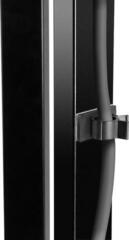
Leave enough slack in power and signal cables for adjustment, but not so much that they create a loop in a walkway. If the stand offers a cable channel, verify its diameter and whether connectors can pass through it. A cable must not pull the monitor backwards or load the socket. When moving the stand, first disconnect the equipment and remove the monitor from it.
On a small desk, arms and holders for a screen or computer can also be in the way. Arrange them so the screen does not block the direct path of sound and you can reach the monitor controls.
A stand as part of acoustic setup
After changing height and distance, listen to familiar tracks and check the stereo centre. Position relative to walls affects bass, while reflections from the desk affect mid and high frequencies. If the room has pronounced decay, a stand will not solve the problem; for the next step, use studio acoustic treatment.
When choosing loudspeaker systems themselves, first clarify room size, listening distance and available inputs. You can compare current models in the studio monitors category.
Check before ordering
- Measure ear height in the working position and the monitor's listening-axis position.
- Find the dimensions and weight of one monitor.
- Set aside space for the bases of both stands and a safe walkway.
- Compare load capacity, top plate, adjustment and locks.
- Plan both signal and power cables without tension or trip risk.
- After assembly, verify symmetry, stability and listening at the usual working volume.
Suitable stands keep the monitors in the same position every day and allow them to be placed independently of the desk. They bring the greatest benefit when their dimensions fit, they stand safely and they form part of the room's acoustic arrangement.