Albania
 Argentina
 Australia
 Austria
 Belgium
 Bosnia and Herzegovina
 Brazil
 Bulgaria
 Canada
 Chile
Chile
 Colombia
 Croatia
 Czech Republic
 Denmark
 Estonia
 Finland
 France
 Germany
 Greece
 Hungary
 Ireland
 Italy
Italy
 Latvia
 Lithuania
 Luxembourg
 Mexico
 Moldova
 Montenegro
 Netherlands
 New Zealand
 North Macedonia
 Norway
 Philippines
 Poland
 Portugal
 Romania
 Serbia
 Slovakia
 Slovenia
 South Africa
 Spain
Spain
 Sweden
 Switzerland
 Turkey
 Ukraine
 United Kingdom
 United States of America



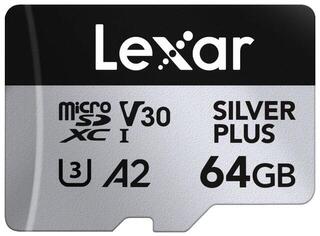
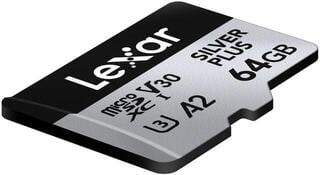
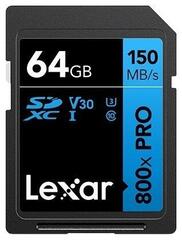
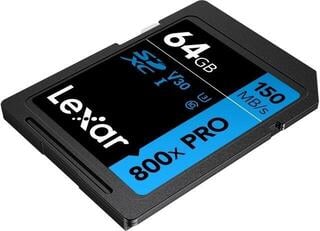
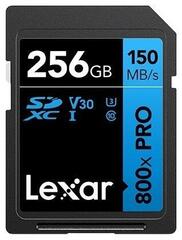
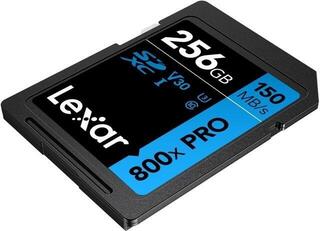
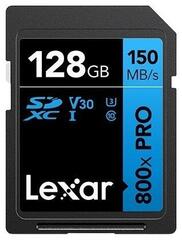
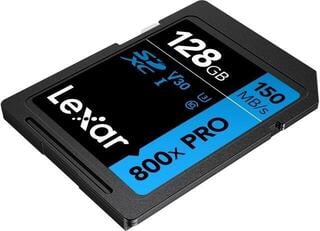
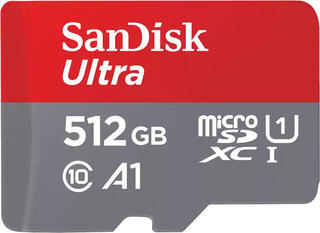
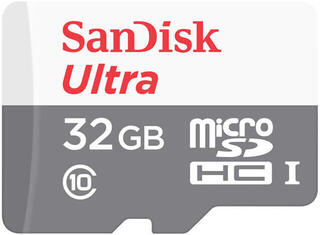
Memory Cards
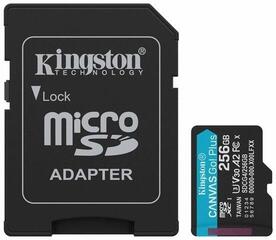
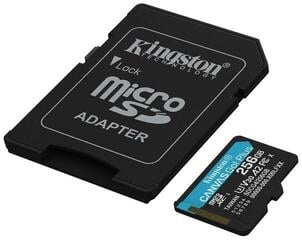
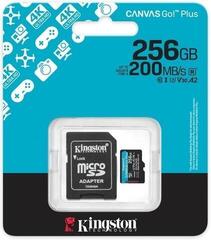
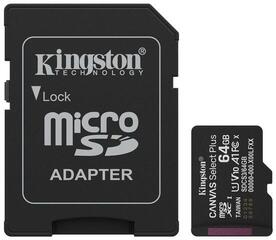
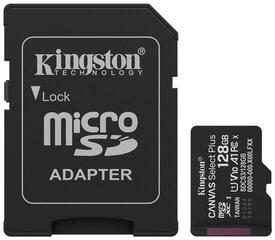
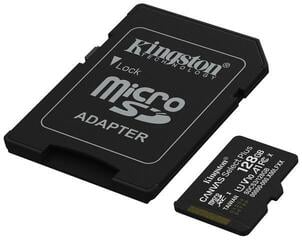
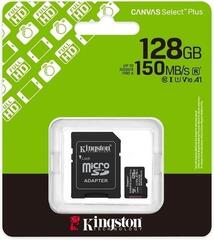
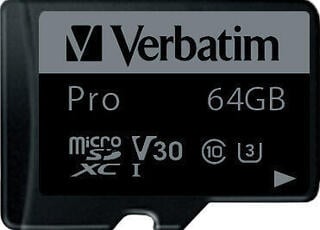
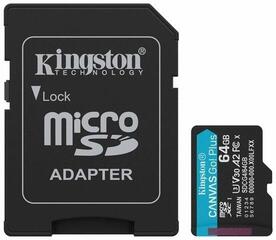
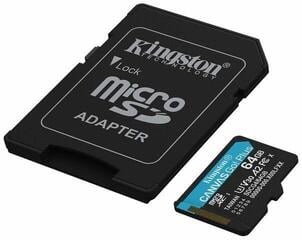
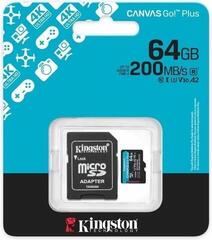
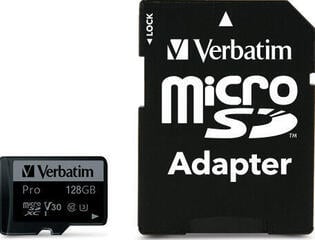
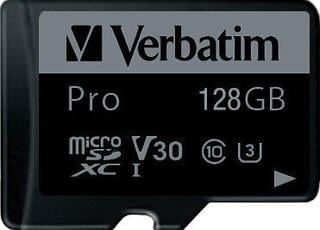
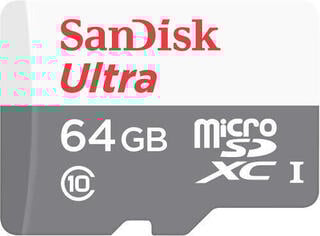
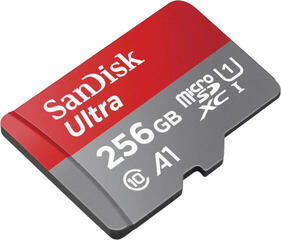
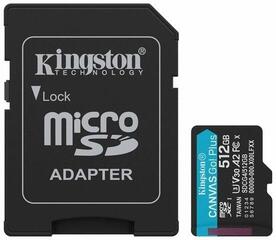
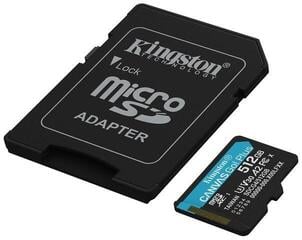
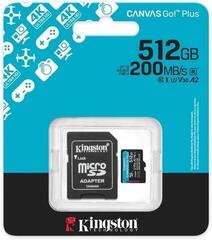
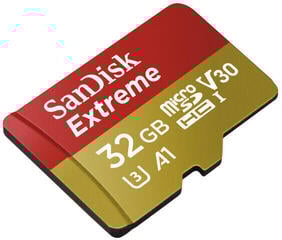
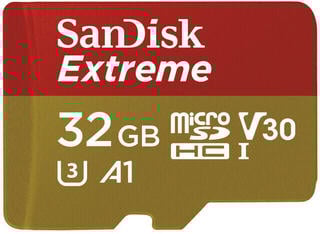
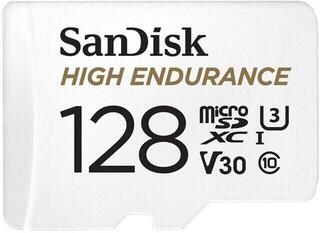
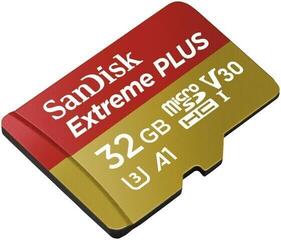
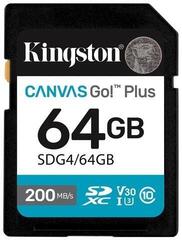
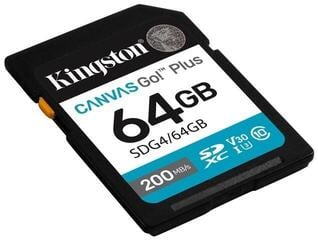
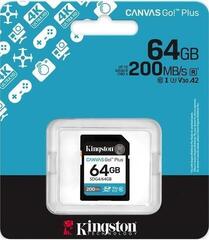
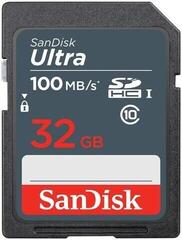
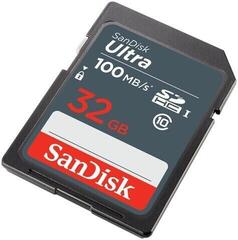
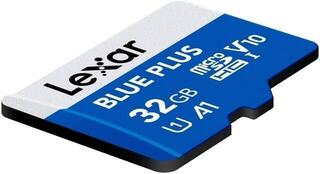
A memory card expands a device's storage or serves as removable media for photos, videos, documents, and app data. When choosing one, capacity alone is not enough, as the supported format, stated speed class, and intended use also matter. Always check the information in the manual, technical documentation, or list of compatible accessories. The right card must suit both the device and the type of data being stored.
Memory cards by device and use
First, determine which device the card will be used in. A phone, tablet, camera, camcorder, drone, or gaming device may use a different format, support a different capacity, and require a specific write class. A slot with the same shape does not necessarily mean that the device supports all the card's features.
For photography, consider both saving individual images and burst shooting. Video requires stable continuous writing suited to the resolution, bit rate, compression, and recording mode. For a phone or tablet, check whether the card can be used only for media and documents or also for app data. For dash cams and security cameras, choose a card designed for repeated or continuous writing if required by the device manufacturer.
Card format and slot
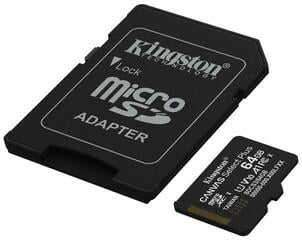
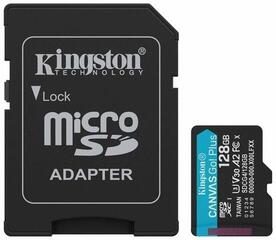
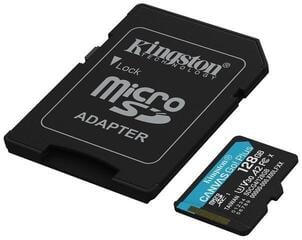
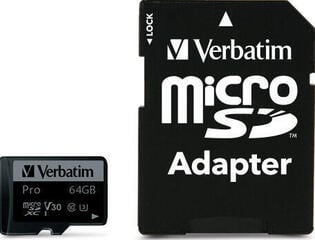
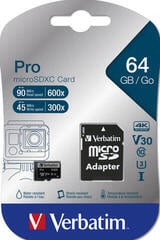
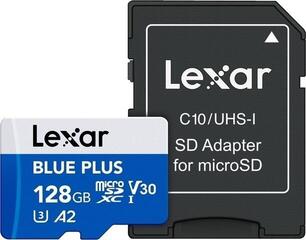
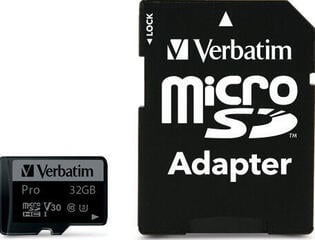
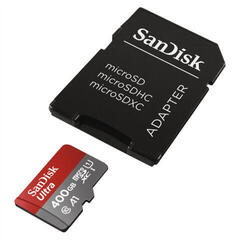
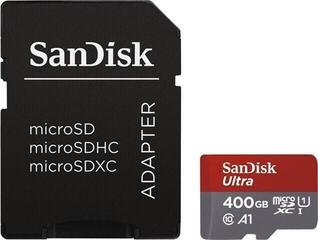
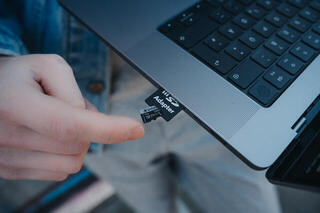
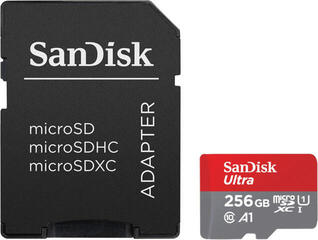
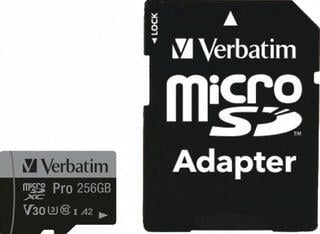
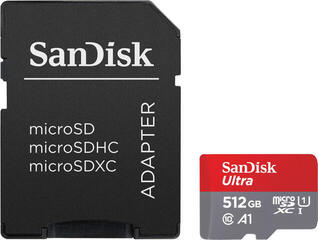
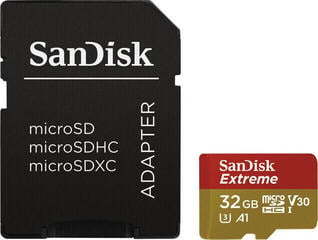
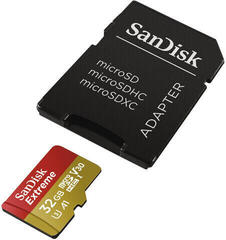
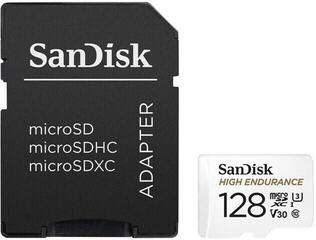
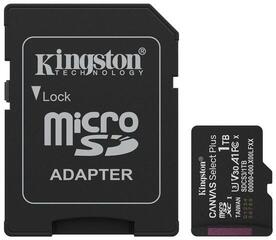
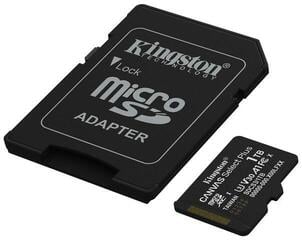
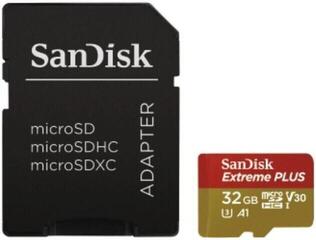
Follow the exact designation of the format supported by the device. A smaller card can sometimes be inserted into a larger slot using an adapter, but the adapter does not change the card's properties or guarantee compatibility. Also check the supported interface generation and file system, as these limitations cannot be determined solely from the slot's appearance.
Capacity, speed, and stated classes
Choose the capacity according to the type of files, frequency of use, and backup method. Photos, videos, maps, games, and app data have different requirements, which are also affected by the device settings. Before buying, check the maximum capacity supported by the specific model. If you want to move the card between devices, it must be compatible with each of them.
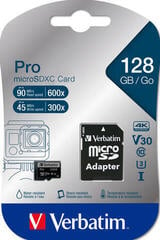
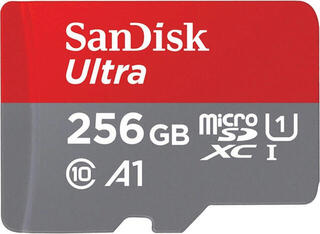
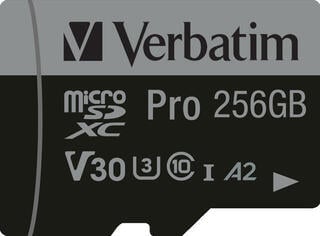
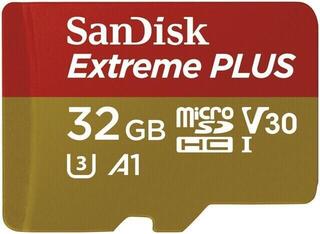
Speed Class, UHS Speed Class, Video Speed Class, and Application Performance Class designations describe different characteristics. For video, check the continuous write class required by the recording device manufacturer. For apps, a designation that accounts for working with smaller, randomly stored data may be important.
Read speed is not the same as write speed. A maximum read speed figure may be useful when transferring files, but it does not confirm suitability for demanding recording. Actual performance is also affected by the device, card reader, interface, file size, and testing method. When comparing cards, distinguish the stated maximum speed from the stated speed class.
Use and what to check
| Use | What to check before choosing |
|---|---|
| Photography | Format, supported capacity, write requirements, and performance during burst shooting. |
| Video recording | Required write class, the mode's bit rate, and support for the selected resolution or codec. |
| Phone or tablet | Slot type, capacity limit, and options for storing media, documents, or apps. |
| Drone or action camera | List of supported cards, recording mode requirements, and conditions of use. |
| Dash cam or security camera | Suitability for repeated writing, compatibility, and the recommended formatting method. |
| Gaming device | Format, supported capacity, and rules for installing or moving data. |
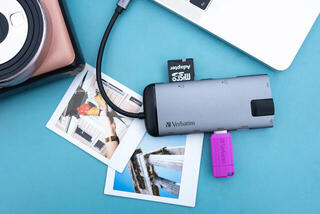
| File transfer | Compatibility of the card, reader, port, and file system, as well as the stated speeds. |
Checklist before choosing
- Find the exact device designation and supported card format.
- Check the maximum capacity, interface generation, and required file system.
- Compare the requirements of the selected mode with the card's stated class.
- Distinguish between read speed, write speed, and the guaranteed speed class.
- Consider whether the card will be used for media, apps, photography, or continuous recording.
- When using an adapter, check its compatibility, condition, and write-protection switch.
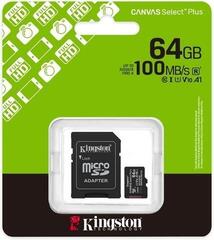
- Check the product's origin, the information on the packaging, and the warranty terms.
- Plan to back up important data to independent storage.
Formatting and data care
Format a new card in the way recommended by the device manufacturer. Formatting erases stored data, so back it up beforehand. For a camera or camcorder, formatting directly in the device is usually appropriate unless the manual states otherwise.
Do not remove the card while data is being written or copied, and use the appropriate system function before disconnecting it if available. If the device does not recognize the card, check the format, capacity, file system, adapter, and condition of the slot. Recover any accessible files before formatting it again.
A memory card should not be the only place where important data is stored. If you encounter write errors, corrupted files, or repeated disconnections, do not save new data to it. Protect the card from bending and keep its contacts clean, and assess durability claims according to the documentation for the specific product.