Albania
 Argentina
 Australia
 Austria
 Belgium
 Bosnia and Herzegovina
 Brazil
 Bulgaria
 Canada
 Chile
Chile
 Colombia
 Croatia
 Czech Republic
 Denmark
 Estonia
 Finland
 France
 Germany
 Greece
 Hungary
 Ireland
 Italy
Italy
 Latvia
 Lithuania
 Luxembourg
 Mexico
 Moldova
 Montenegro
 Netherlands
 New Zealand
 North Macedonia
 Norway
 Philippines
 Poland
 Portugal
 Romania
 Serbia
 Slovakia
 Slovenia
 South Africa
 Spain
Spain
 Sweden
 Switzerland
 Turkey
 Ukraine
 United Kingdom
 United States of America



Hi-Fi Network players
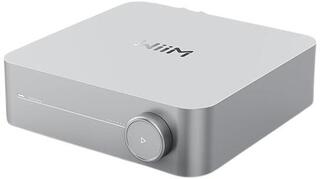
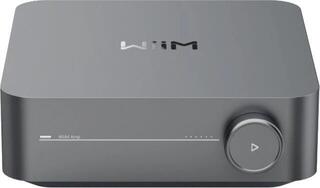
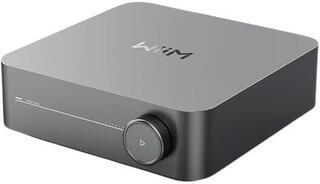
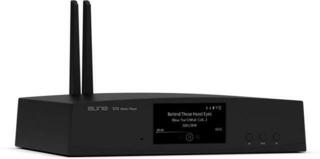
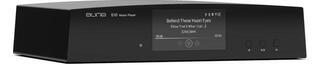
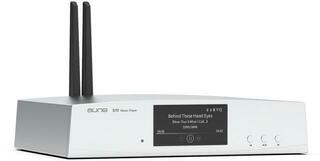
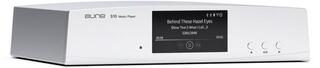
A Hi-Fi network player serves as a digital music source and connects your home network to your audio system. When choosing one, pay particular attention to the available inputs and outputs, the control options, and both wired and wireless connectivity. It is also important to decide whether you need a standalone transport, a player with its own digital-to-analogue converter, or a device with additional integrated functions. Choose a suitable model based on your existing components and how you actually listen to music.
Hi-Fi network players as a digital source
A network player receives digital audio from a local network, connected storage, or another supported source and passes it to the next part of the system. The specific options always depend on the model, its interfaces, and its software. Before buying, check not only the name of a feature but also its supported connection and control methods.
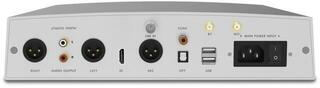
The key distinction is between a network transport and a player with a built-in converter. A transport provides a digital output and requires an external DAC or an amplifier with a digital input. A model with an integrated DAC may also provide an analogue output, allowing it to connect to a standard line input on an amplifier. Some devices combine several roles, but you should assess their features using the documentation for the specific product.
Music sources and control methods
First, decide where your music will come from. It may consist of files stored on a computer or network storage, a digital signal from an external device, or media connected through an available input. Check how the player locates the source, whether it needs a separate server, and which file types the manufacturer says it can process. The presence of a USB or network connector alone does not define all the ways it can be used.
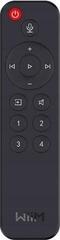
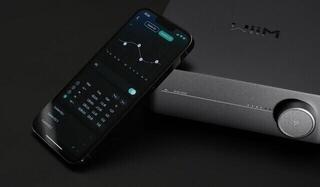
You may be able to control the player directly on the device, with a remote control, through a mobile app, or via a web interface. Find out which of these options are actually available on your chosen model and which device or operating system they require. It is also worth checking how you browse the library, create a playback queue, configure the output, and update the software. If several people will use the player, consider how easy it is to operate without a phone.
Network and wired connections
An Ethernet connection uses a network cable between the player and a router or switch. A wireless connection reduces the need to run another cable, but its usability is affected by the device's location and the conditions of your home network. If you have a network socket near your system, a wired connection is a natural choice; for another location, check whether a supported wireless interface is available.
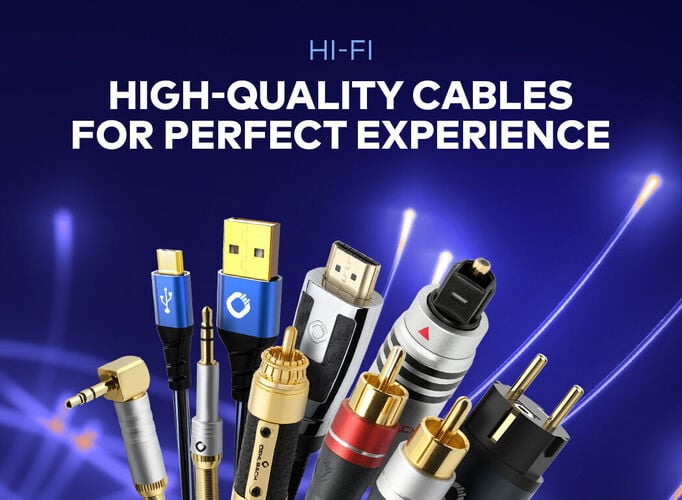
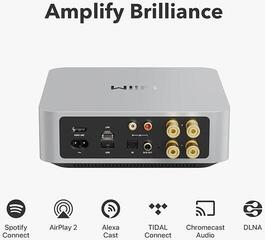
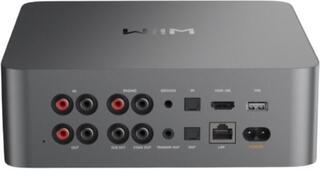
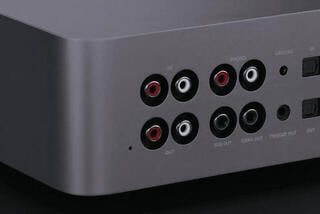
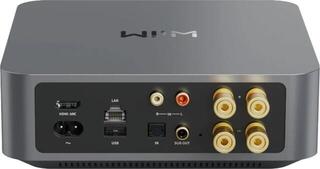
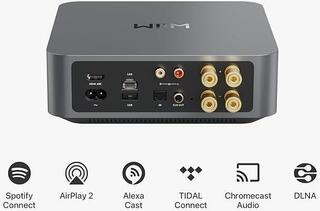
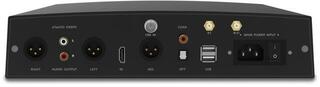
In addition to networking, check the audio connectors. Digital outputs are used to connect an external converter or a suitably equipped amplifier, while an analogue output carries the converted signal to a line input. Depending on the design, USB may serve different purposes, such as connecting storage or another digital device. Do not judge a connector solely by its shape; check the function specified for the particular product.
Network player versus another source
| Source type | How music is obtained | Control | Connection to a Hi-Fi system |
|---|---|---|---|
| Network player | Local network, network storage, or other supported inputs | Depending on the model: device controls, remote, app, or web interface | Digital output to a DAC or analogue output to an amplifier |
| Computer as a source | Files stored locally or available over the network | Through a computer program and its controls | Through a suitable digital interface to a DAC or supported input |
| CD player | Optical disc | Controls on the device or a remote control | Through an analogue output or an available digital output |
| Standalone digital transport | A source determined by the design of the transport | Depending on the type of device | Digital output to an external DAC |
A network player is particularly suitable when you want to add network sources to a traditional component system. Another source may make more sense if you mainly listen to a particular physical medium or already use a computer with a suitable digital output. Base your decision on the entire signal chain, not just the number of connectors.
Integration into a Hi-Fi system
Before choosing, map out the signal path from the source to the amplifier. If you already own a high-quality external DAC, look for a player with a suitable digital output. If you want a simpler connection to an analogue input, you need a model with an integrated converter and a corresponding analogue output. For a variable output, check how the volume is adjusted and the conditions for direct connection, as not every output is intended for the same purpose.
To build a complete setup, you can also view Hi-Fi systems. If you are choosing the next component and its inputs, the Hi-Fi amplifiers and preamplifiers category can help. When connecting components, always compare the source's output type with the input type of the next device.
Checklist before choosing
- Decide whether you need a network transport or a player with a built-in DAC.
- List the music sources you will actually use.
- Check support for your required wired or wireless network connection.
- Check the function of every USB, digital, and analogue connector.
- Compare the player's outputs with the inputs on your DAC, amplifier, or active system.
- Find out whether control on the device, by remote, or through a supported interface suits you.
- Check the requirements for your home network, storage, and any required server.
- Check the manufacturer's stated support for the file formats and file properties you use.
- Consider the device's location, the availability of a network cable, and the routing of audio cables.
- Decide which component should perform digital-to-analogue conversion and volume control.