Albania
 Argentina
 Australia
 Austria
 Belgium
 Bosnia and Herzegovina
 Brazil
 Bulgaria
 Canada
 Chile
Chile
 Colombia
 Croatia
 Czech Republic
 Denmark
 Estonia
 Finland
 France
 Germany
 Greece
 Hungary
 Ireland
 Italy
Italy
 Latvia
 Lithuania
 Luxembourg
 Mexico
 Moldova
 Montenegro
 Netherlands
 New Zealand
 North Macedonia
 Norway
 Philippines
 Poland
 Portugal
 Romania
 Serbia
 Slovakia
 Slovenia
 South Africa
 Spain
Spain
 Sweden
 Switzerland
 Turkey
 Ukraine
 United Kingdom
 United States of America



Hi-Fi DAC & ADC Interfaces, S/PDIF
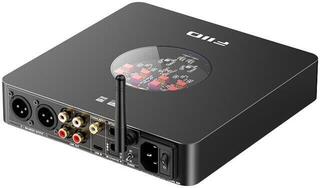
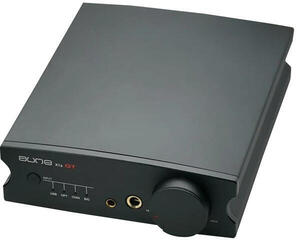
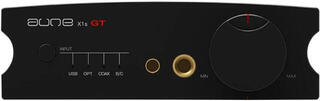
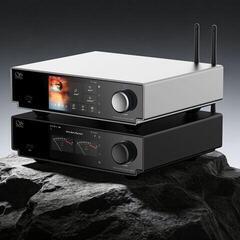
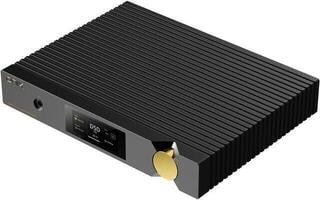
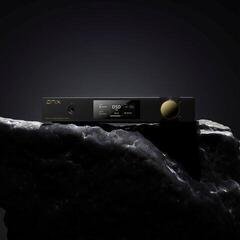
Hi-Fi DAC and ADC converters connect devices that work with digital and analogue audio. A DAC converts a digital signal into an analogue one, while an ADC turns an analogue signal into digital data. When choosing, first determine the direction of conversion, then check the inputs, outputs, supported signals and the device’s place in the system. Compatibility across the entire signal path is what matters, not merely the number of connectors or features.
Hi-Fi DAC & ADC converters
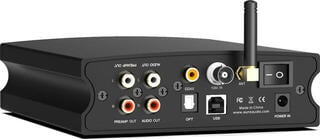
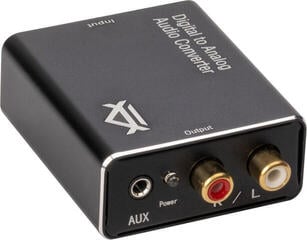
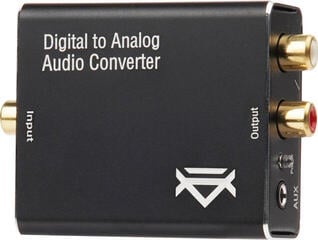
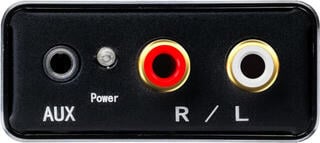
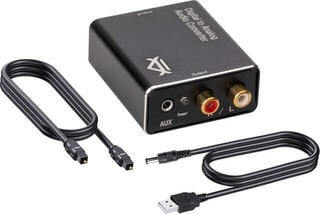
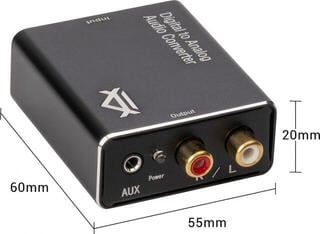
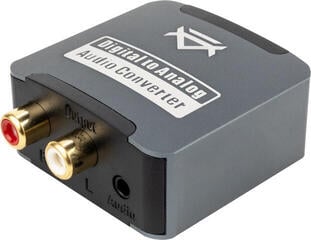
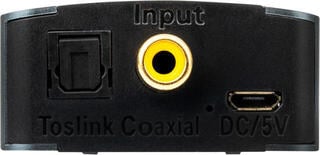
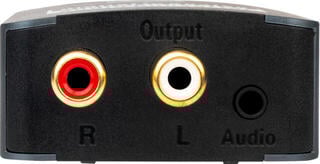
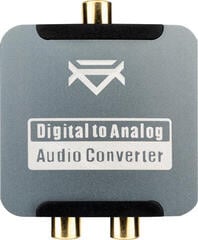
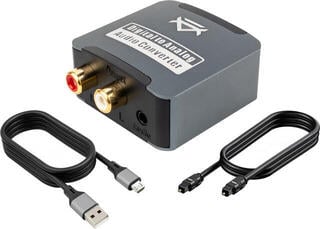
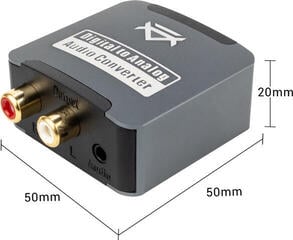
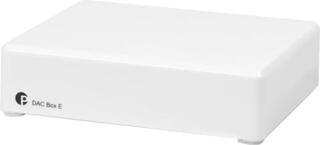
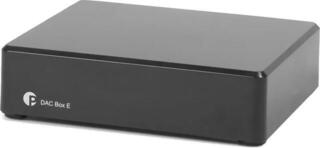
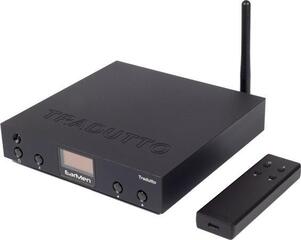
A DAC, or digital-to-analogue converter, receives audio from a computer, network player, television or another digital source. Its output provides an analogue signal for an integrated amplifier, preamplifier, active speakers or a headphone amplifier.
An ADC, or analogue-to-digital converter, works in the opposite direction. It prepares an analogue signal for recording or further digital processing in a computer, recorder or another device. The source may be the line output of a player, mixing device or preamplifier. Always check what input type and level a particular ADC expects.
Some devices combine both a DAC and an ADC. However, this designation alone does not determine which ports are inputs, which are outputs, or whether both directions can be used simultaneously. Follow the descriptions of the individual interfaces and the signal routing.
Digital to analogue versus analogue to digital
| Feature | DAC: digital → analogue | ADC: analogue → digital |
|---|---|---|
| Input | Digital audio signal | Analogue audio signal |
| Output | Analogue signal | Digital data |
| Typical use | Playing a digital source through the analogue section of a system | Digitising, recording or digitally processing an analogue source |
| What should you check at the input? | The digital interface, format and source compatibility | The analogue signal type, connector and input level |
| What should you check at the output? | The connector, fixed or variable level and the target device’s input | The digital interface, data format and receiving device |
| Place in the system | Between the digital source and the analogue amplification stage | Between the analogue source and digital recording or processing |
Do not determine the direction of conversion solely from the connector’s appearance. Depending on its design, USB may receive audio, send a digitised signal, provide power or be used for servicing. An analogue connector does not automatically reveal whether it is an input or an output either.
Where the converter fits in a Hi-Fi system
DAC between the source and amplification
A standalone DAC is usually connected after the digital source and before the analogue amplification stage. The path may run from a player’s digital output to the DAC, then from its analogue output to the amplifier’s line input. When planning the whole chain, you can also explore Hi-Fi systems.
First find out whether the source, amplifier or active speaker already contains the DAC you need. A standalone model is particularly practical for adding a missing interface, connecting multiple sources or separating the system’s functions.
ADC before recording or processing
An ADC belongs after the analogue source or preamplifier and before a computer, recorder or another digital stage. With a turntable, check whether a phono preamplifier is present in the signal path. A standard ADC line input is generally not designed for a direct connection from a phono cartridge.
The source’s output level must match the ADC input. With an adjustable source, watch the converter’s level indication and follow the manufacturer’s instructions so that the input is neither too weak nor overloaded.
The converter and other components
A DAC with a variable output can partly perform the role of a preamplifier in a supported setup. With a fixed line output, volume is controlled on the amplifier or a separate preamplifier. You can find related components in the Hi-Fi amplifiers and preamplifiers category.
Do not connect passive Hi-Fi speakers directly to a standard DAC line output, as they require a power amplifier. Active speakers have built-in amplification, but their input type and method of volume control must still be suitable.
What to check when choosing
- Do you need digital-to-analogue or analogue-to-digital conversion? Choose a DAC, ADC or combined device accordingly.
- Which connector on the source is actually an output? Check its label, transmission direction and signal type.
- Which converter connector will accept that output? The same port shape does not guarantee the same function.
- What signal does the converter’s output provide? It must match the input of the next component.
- Is the DAC’s analogue output fixed or variable? Decide which device you will use to control the volume.
- Does the ADC expect a line, microphone or another type of analogue input? These types are not automatically interchangeable.
- Do the source, converter and target device support the same digital format?
- Will the USB connection work with your computer or mobile device? Check the system, driver, data connection and power supply.
- Do you need multiple inputs, a headphone output or remote switching? Look for features that match your actual use.
- Do you have the required cables and free inputs? Draw the path from the source through to playback or recording.
Interfaces, formats and power
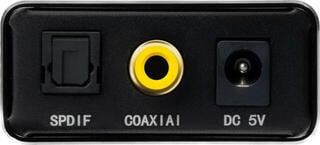
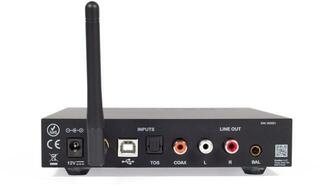
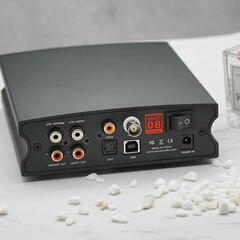
Digital interfaces include USB, optical and coaxial connections, as well as other interfaces depending on the device. Each input may support different formats and functions. Optical and electrical coaxial connections cannot be interchanged merely by passively changing the connector.
On the analogue side, you will encounter both unbalanced and balanced connections. Match your choice to the DAC output, amplifier input and contact wiring. With an ADC, proceed in the opposite direction: identify the source’s analogue output, the suitable converter input and the subsequent digital output.
Compare the sample rate, bit depth and supported formats with the source and content you intend to use. With a computer, settings may be affected by the operating system, playback or recording software and the relevant driver. Also check whether the converter draws power from the data port or requires a separate power supply.
How to prepare the signal path
- Identify the source device and the output you want to use.
- Determine whether it outputs a digital or analogue signal.
- Choose a DAC to convert a digital signal to analogue or an ADC to convert an analogue signal to digital.
- Check the converter input, connector and supported signal type.
- Compare the converter output with the input of the next device.
- Decide where volume or input level will be controlled.
- Check the power supply, software requirements and required cables.
This kind of diagram will show whether you need a standalone converter, a combined model or simply need to use a converter that is already part of your system correctly.