Albania
 Argentina
 Australia
 Austria
 Belgium
 Bosnia and Herzegovina
 Brazil
 Bulgaria
 Canada
 Chile
Chile
 Colombia
 Croatia
 Czech Republic
 Denmark
 Estonia
 Finland
 France
 Germany
 Greece
 Hungary
 Ireland
 Italy
Italy
 Latvia
 Lithuania
 Luxembourg
 Mexico
 Moldova
 Montenegro
 Netherlands
 New Zealand
 North Macedonia
 Norway
 Philippines
 Poland
 Portugal
 Romania
 Serbia
 Slovakia
 Slovenia
 South Africa
 Spain
Spain
 Sweden
 Switzerland
 Turkey
 Ukraine
 United Kingdom
 United States of America



Hi-Fi Audio cables
Hi-Fi audio cables connect the signal source, amplifier, speakers and other parts of an audio system. When choosing one, first check the output type on the source device and the corresponding input on the destination component. Besides the connector shape, it is important to distinguish between analogue and digital connections, as the same devices may offer several connection options. Choose a suitable cable based on the specific signal path, not just the appearance of its connectors.
Hi-Fi audio cables by use
Each cable has a different role in the system. An interconnect carries audio between a source, preamplifier, amplifier or active speakers. A speaker cable connects the power output of an amplifier to passive speakers, while a digital cable carries a digital audio signal between compatible interfaces. Cables for headphones, subwoofers and portable sources form separate groups.
| Connection type | Typical source | Typical destination | Common connectors | Type of signal carried |
|---|---|---|---|---|
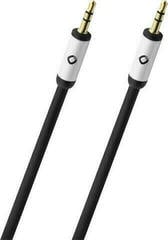
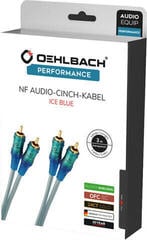
| Unbalanced line-level | CD player, network player, DAC | Integrated amplifier, preamplifier, active speakers | 2× RCA, 3.5 mm jack | Analogue |
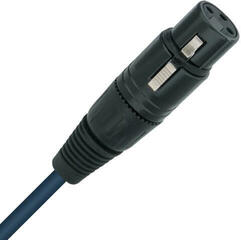
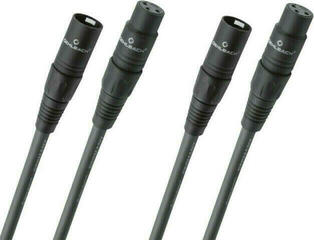
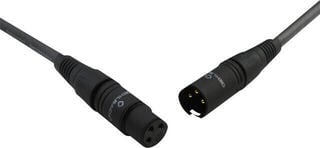
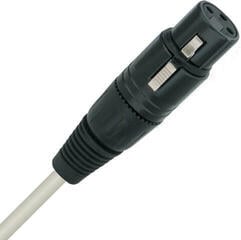
| Balanced line-level | Component with a balanced output | Amplifier or active speaker with a balanced input | XLR, TRS | Analogue |
| Coaxial digital | CD transport, player, digital source | DAC, receiver, amplifier with a digital input | RCA | Digital |
| Optical digital | Television, player, games console | DAC, receiver, compatible amplifier | TOSLINK, mini-TOSLINK | Digital optical |
| Speaker | Power or integrated amplifier | Passive speakers | Banana plugs, spade connectors, bare wire | Amplified analogue |
| Subwoofer | Subwoofer or line output of an amplifier | Active subwoofer | RCA, or XLR where applicable | Analogue |
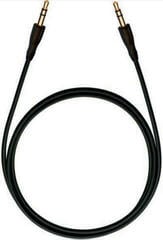
| Headphone and portable | Phone, player, headphone amplifier | Headphones or line input | 3.5 mm jack, 6.3 mm jack, depending on the device | Analogue |
Connectors and connection types
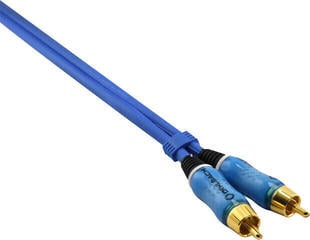
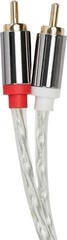
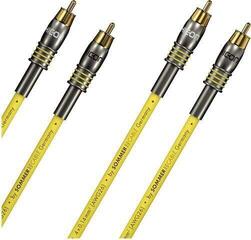
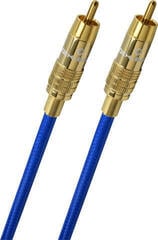
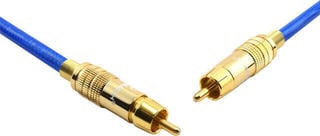
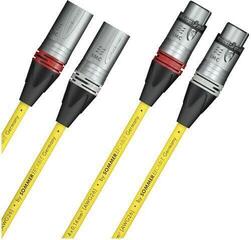
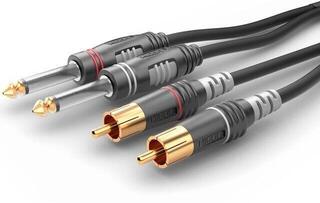
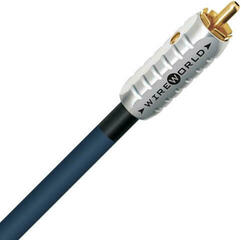
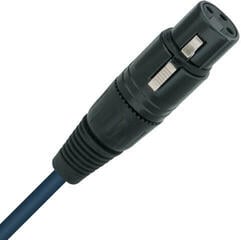
RCA is often used for the separate left and right channels of an analogue line-level connection. However, a single RCA connector may also carry a coaxial digital signal or serve as a separate subwoofer channel, so check the label on the device's socket. XLR and TRS may be part of a balanced connection, but the connector shape alone does not confirm how it is wired. A 3.5 mm jack is commonly used on portable devices, while a 6.3 mm jack is used for headphone outputs or audio components.
Optical TOSLINK carries a digital signal using light and does not connect to a coaxial socket, although both interfaces can carry digital audio. HDMI can carry audio as well as video, but the specific signal direction and supported functions depend on the labelled ports on the devices. USB is used mainly between a computer or mobile source and a compatible DAC; before buying, check the connector type at both ends and the purpose of the relevant port.
How to connect system components
First determine the direction of the connection: for example, from a network player to an amplifier input, or from the amplifier's speaker terminals to passive speakers. If you are also choosing electronics, see Hi-Fi amplifiers and preamplifiers and compare their available inputs and outputs. For a simple analogue connection from a portable source, the AUX cables category may be suitable.
An adapter or cable with different connectors does not automatically convert an analogue signal to digital or turn an output into an input. An active converter may be required when changing between different signal types. Do not connect a speaker output directly to a standard line input, and do not connect passive speakers to a line output without suitable amplification. For a turntable, check whether the signal path includes a suitable phono input or a separate phono preamplifier.
What to check before choosing
- Identify the source device and the precisely labelled output from which the signal will run.
- Check the destination device and the input designed for the same type of signal.
- Distinguish between analogue, digital, speaker and power connections.
- Check the name, shape and number of connectors at both ends.
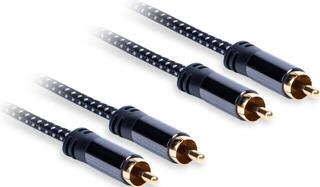
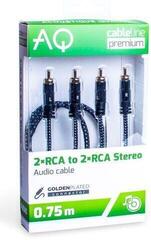
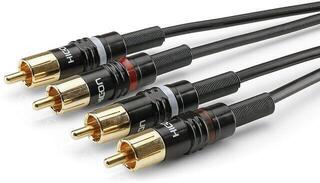
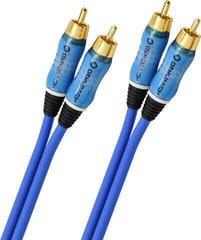
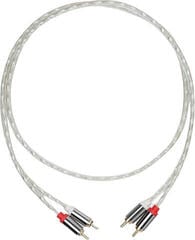
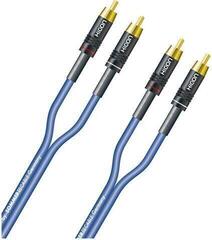
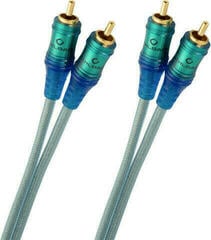
- For stereo RCA, check whether you need a pair of connectors for the left and right channels.
- Measure the required route so the cable reaches without being pulled taut and does not get in the way during use.
- Check the space behind the device and the cable-routing direction, especially with stiffer connectors.
- For speaker cable, check the attachment method on both the amplifier and the speakers.
- For a balanced connection, confirm that both connected components support it.
- For an adapter, find out whether it only changes the connector or whether signal conversion is also required.
Practical cable routing and connection
Switch off the components before connecting them and insert connectors without excessive force. Route the cable so that it does not bend sharply at the connector, get pinched by furniture or pull on the device socket. Connect the left and right channels according to the labels on both the source and destination. If you change the system later, labelling both ends will help you keep track of which devices and ports the cable connects.