Albania
 Argentina
 Australia
 Austria
 Belgium
 Bosnia and Herzegovina
 Brazil
 Bulgaria
 Canada
 Chile
Chile
 Colombia
 Croatia
 Czech Republic
 Denmark
 Estonia
 Finland
 France
 Germany
 Greece
 Hungary
 Ireland
 Italy
Italy
 Latvia
 Lithuania
 Luxembourg
 Mexico
 Moldova
 Montenegro
 Netherlands
 New Zealand
 North Macedonia
 Norway
 Philippines
 Poland
 Portugal
 Romania
 Serbia
 Slovakia
 Slovenia
 South Africa
 Spain
Spain
 Sweden
 Switzerland
 Turkey
 Ukraine
 United Kingdom
 United States of America



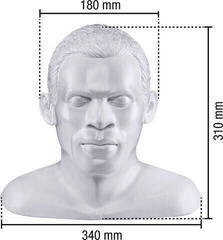
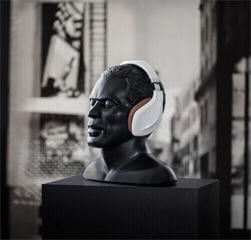
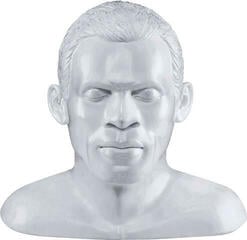
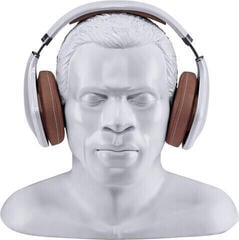
Headphone Stands
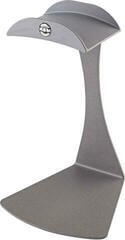
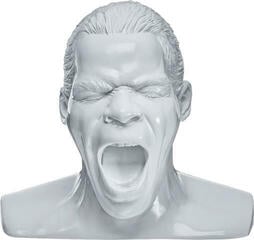
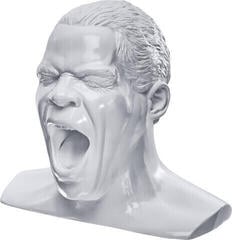
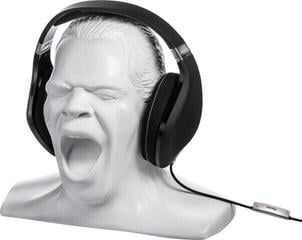
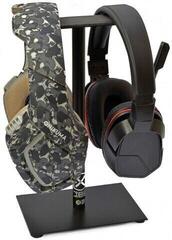
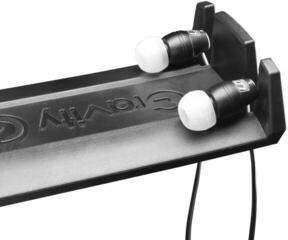
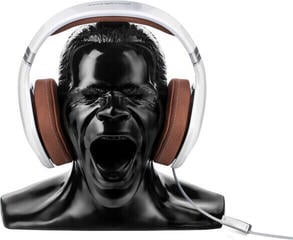
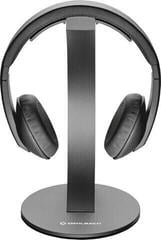
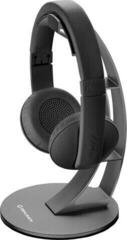
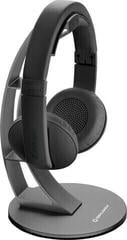
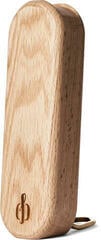
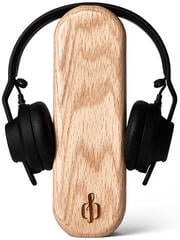
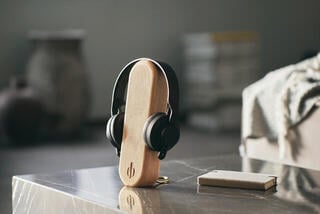
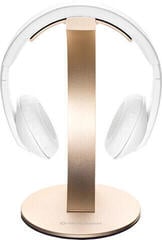
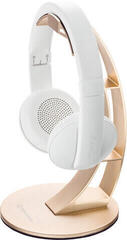
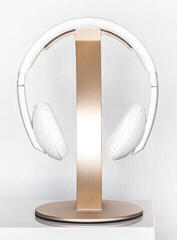
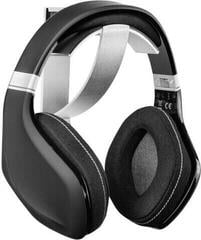
A headphone stand provides a dedicated place for storage and helps keep the ear cups and cable off the work surface. It can stand on the desk, attach to its edge, or remain mounted underneath the desktop. When choosing one, consider the headphone dimensions, stability, and the shape of the surface on which the headband will rest. A good stand should not put unnecessary strain on the ear pads or get in the way during everyday work.
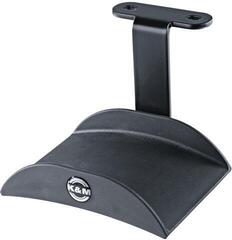
Headphone stands for the desk or underneath the desktop
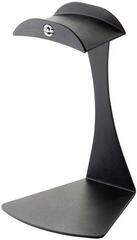
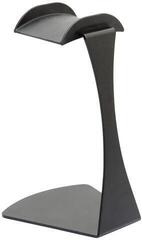
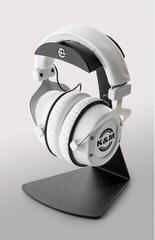
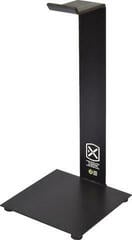
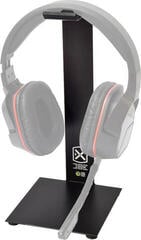
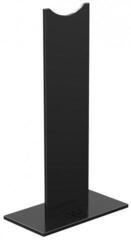
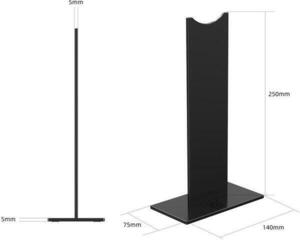
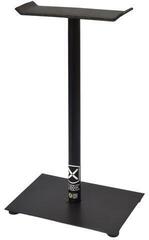
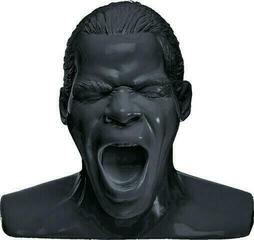
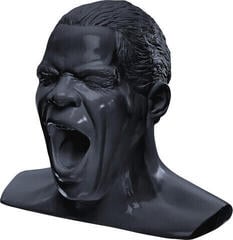
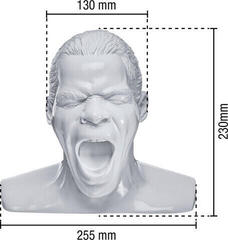
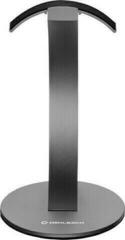
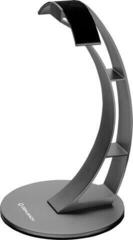
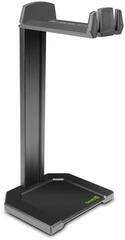
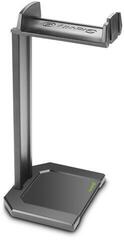
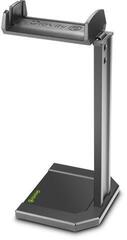
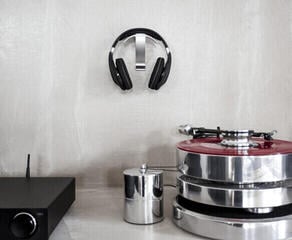
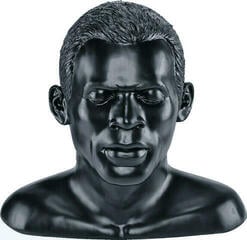
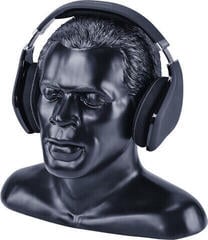
A desktop stand is easy to reach and can serve as a permanent spot next to a monitor, amplifier, or audio interface. However, it needs a sufficiently wide and stable base, especially for larger headphones. Measure its footprint and its total height with the headphones hanging on it. If you have a shelf above the desk, leave enough clearance to lift the headphones off comfortably.
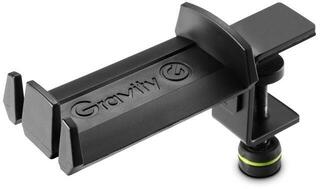
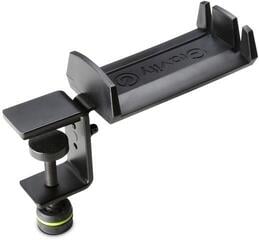
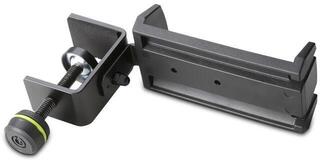
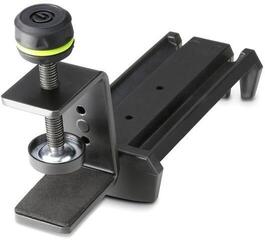
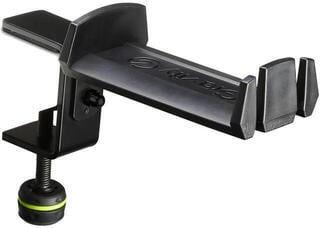
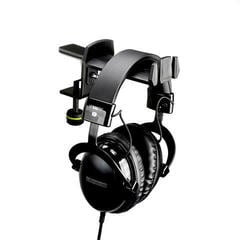
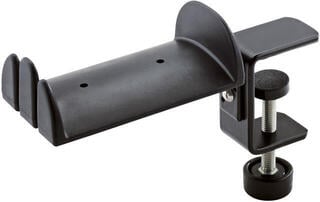
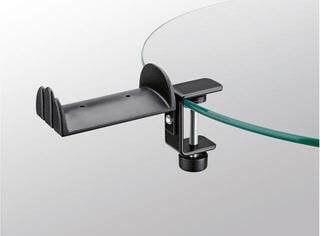
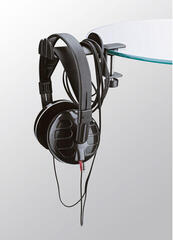
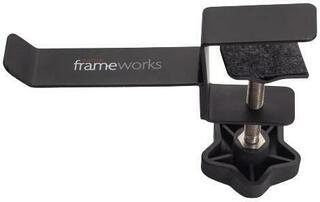
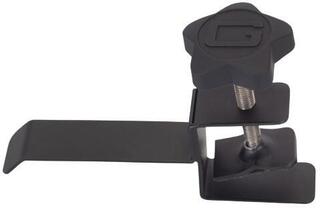
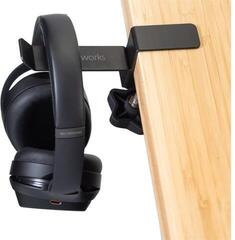
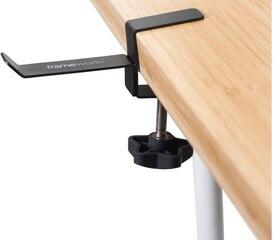
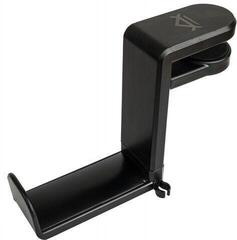
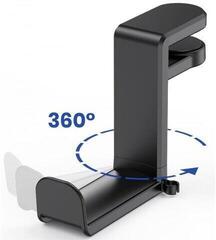
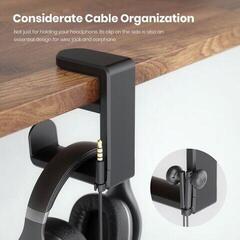
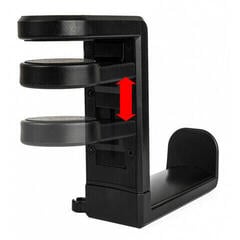
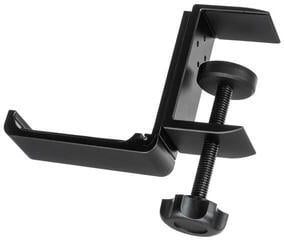
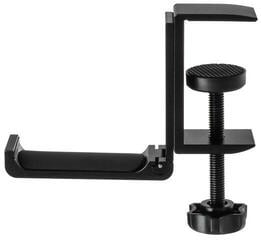
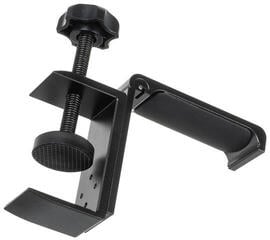
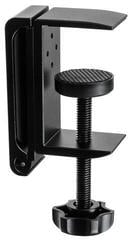
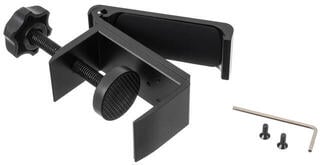
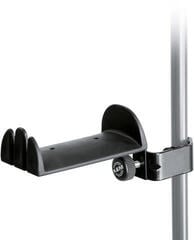
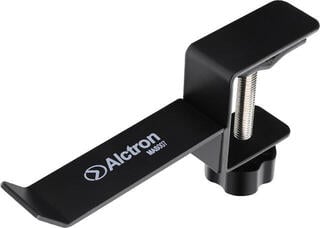
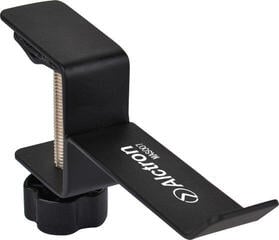
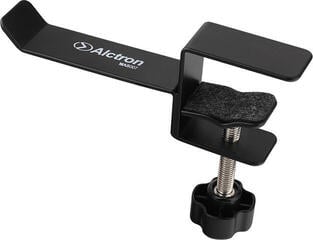
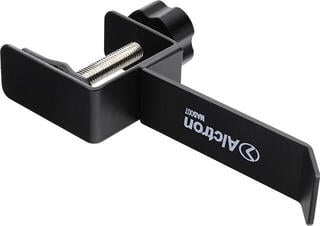
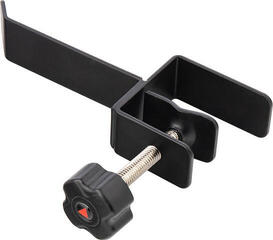
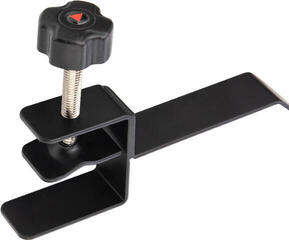
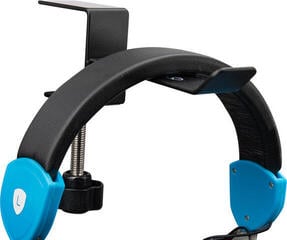
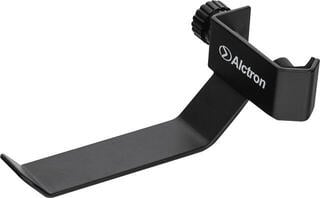
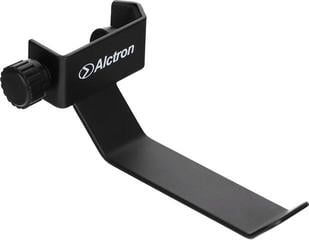
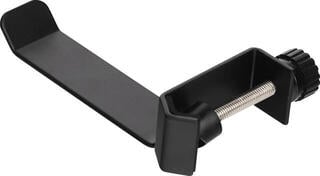
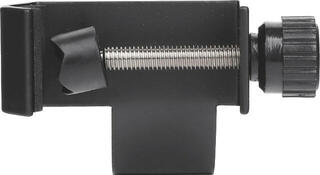
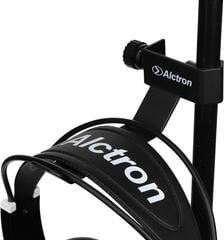
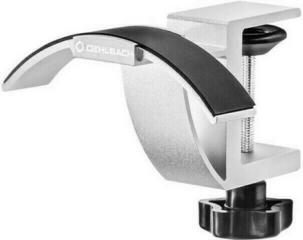
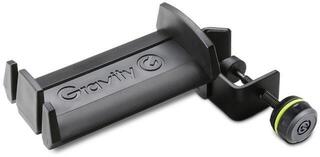
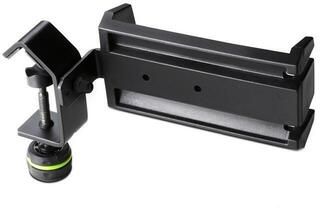
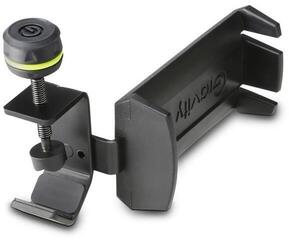
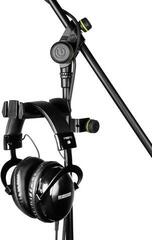
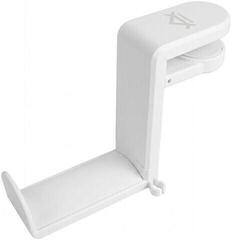
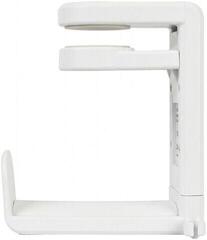
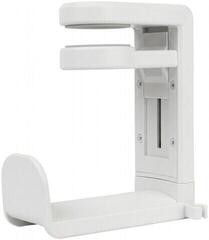
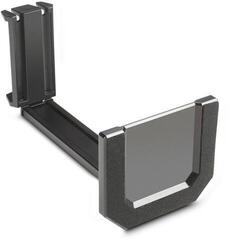
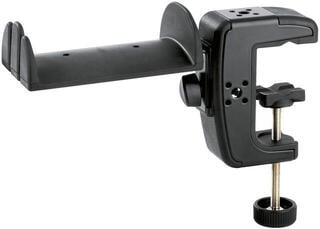
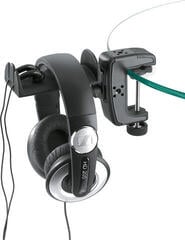
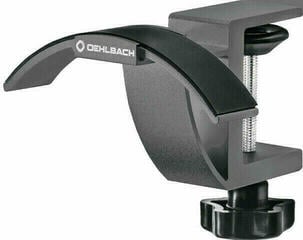
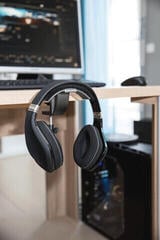
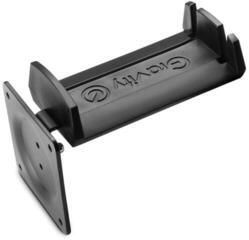
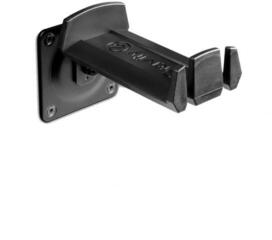
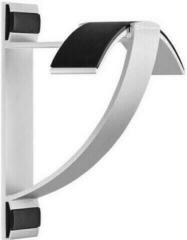
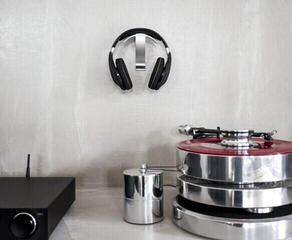
A clamp-on solution attaches to the edge of the desktop without taking up space on top. Check the clamp range, the shape of the edge, and the desk material. There should be suitable protection between the clamp and the surface, depending on the product's design. Do not place the holder where you could hit the headphones with your knee or chair when standing up.
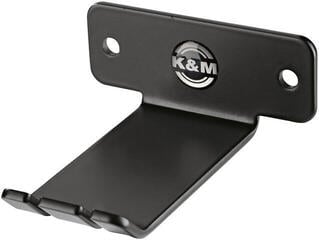
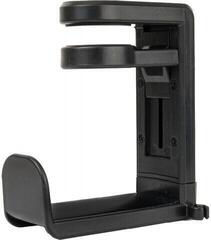
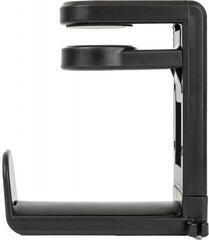
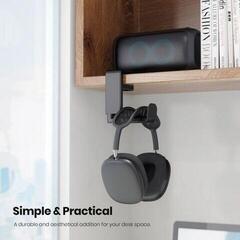
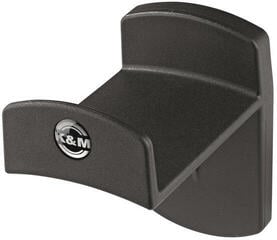
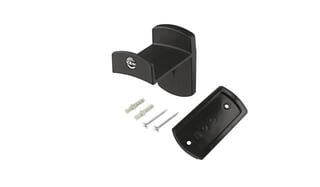
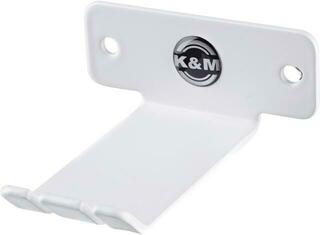
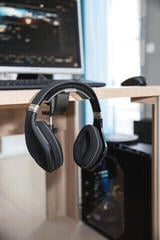
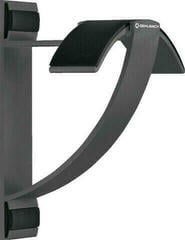
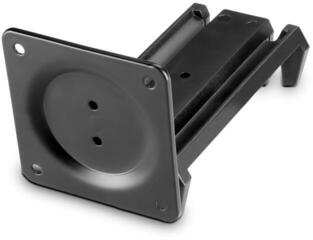
An under-desk holder saves space and keeps the headphones off the main work surface. It requires secure mounting and should be within reach without forcing you to bend awkwardly. Before installation, check what is underneath the desktop and whether the chosen mounting method is suitable for the furniture material. The cable must not hang across a walkway.
Stability and ear pad protection
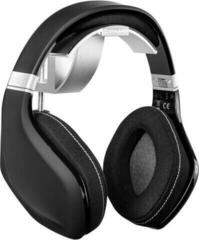
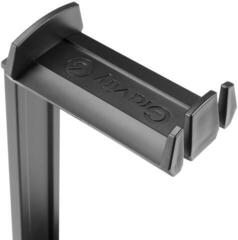
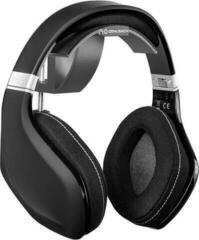
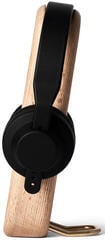
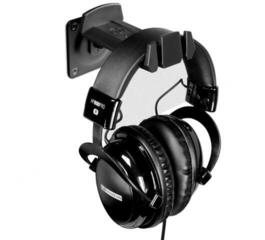
The width and shape of the support section should match the headband. An edge that is too narrow can create pressure in one spot, while one that is too wide can stretch the headphones unnaturally. Soft ear pads should not remain pressed against the stand's post or base for long periods. With large models, also check the clearance between the ear cups and the desk.
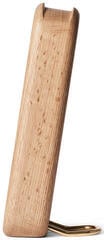
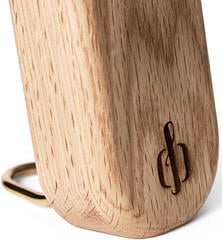
Assess stability with the headphones on the stand, not only when the stand is empty. A higher centre of gravity and a heavier cable can tip over a lightweight base. The base surface should not scratch the furniture or slide easily across it. If you use multiple headphones, check the load capacity and spacing of the specific multi-arm model.
Desk space and cable routing
Place the stand close to the device you connect the headphones to, but away from drinking glasses, the edge of the desk, and frequently used controls. You can route a long cable in a loose loop without sharp bends. Do not wrap it tightly around the stand if this puts strain on the connector or the cable entry into the ear cup.
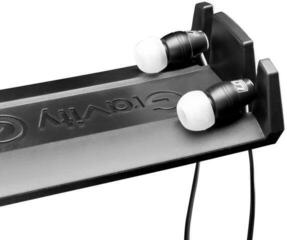
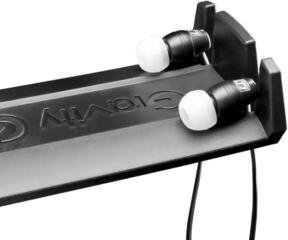
For wireless headphones, remember the charging cable and access to the connector. Not every stand provides charging, and not every charging stand is compatible with every model. Always check the function and any required accessories in the product details.
Short checklist
- Measure the height, headband width, and the space required by the ear cups.
- Choose a desktop, clamp-on, or under-desk solution based on the available space.
- Check the stability, base size, or clamp range.
- Make sure the support does not press against the ear pads or stretch the headband unnecessarily.
- Plan the routing of the audio or charging cable without sharp bends.
- Place the stand away from the desk edge, drinks, and the chair's path.
A simple stand is suitable if you have enough desk space and want to keep your headphones in view. A clamp or under-desk holder can help with a smaller work surface, but it requires a suitable desktop and secure installation. Choose a solution that supports the headband without pressing on the ear pads and allows the cable to rest naturally.