Albania
 Argentina
 Australia
 Austria
 Belgium
 Bosnia and Herzegovina
 Brazil
 Bulgaria
 Canada
 Chile
Chile
 Colombia
 Croatia
 Czech Republic
 Denmark
 Estonia
 Finland
 France
 Germany
 Greece
 Hungary
 Ireland
 Italy
Italy
 Latvia
 Lithuania
 Luxembourg
 Mexico
 Moldova
 Montenegro
 Netherlands
 New Zealand
 North Macedonia
 Norway
 Philippines
 Poland
 Portugal
 Romania
 Serbia
 Slovakia
 Slovenia
 South Africa
 Spain
Spain
 Sweden
 Switzerland
 Turkey
 Ukraine
 United Kingdom
 United States of America



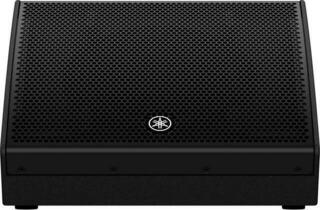
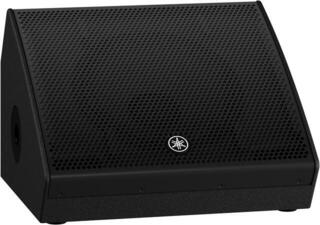
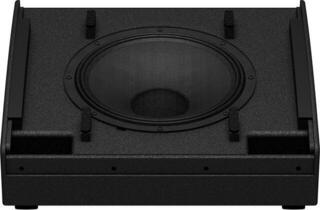
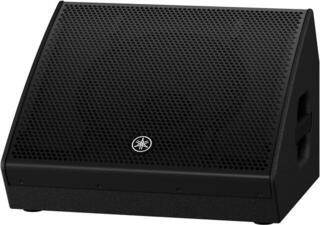
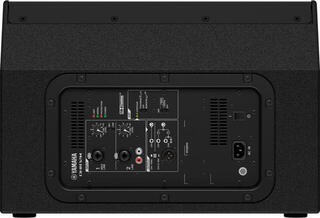
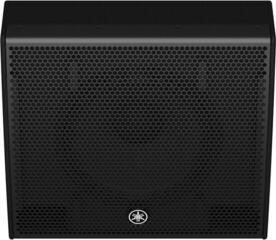
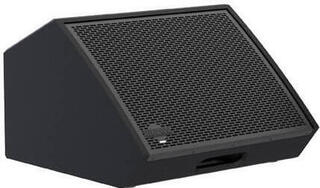
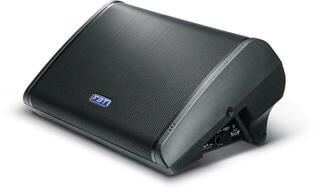
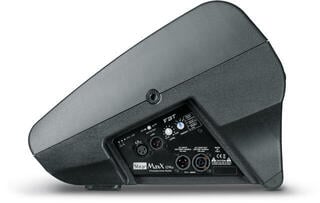
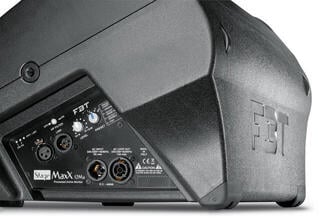
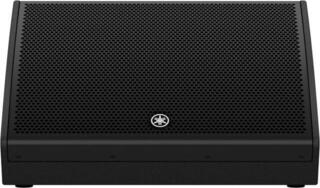
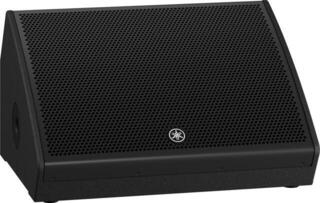
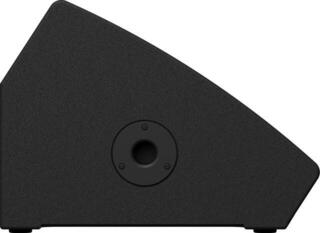
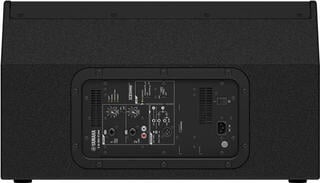
Active stage Monitors
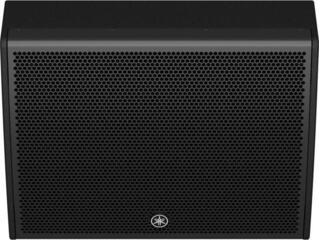
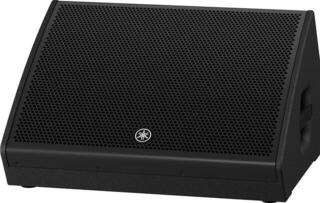
An active stage monitor is a loudspeaker with a built-in amplifier that sends a separate monitor mix to the musician. It helps you hear vocals, an instrument, rhythm or cues without relying on the sound of the main loudspeakers for the audience. It is used at concerts, rehearsals and, depending on the connection, also as a compact loudspeaker. When choosing, consider the number of monitor sends, placement, inputs, controls and the actual space available on stage.
An active monitor simplifies amplification
The amplifier is in the enclosure, so you run a balanced signal from the mixing console directly to the monitor and need mains power at that position. You do not need to match an external power amplifier with a passive cabinet. However, each position adds a power cable, and you carry the electronics together with the loudspeaker. On a wet or cramped stage, pay special attention to routing the power supply.
Some models have a simple input with volume control, while others have a small mixer, EQ or digital presets. If a sound engineer creates the monitor mix at the console, you may not need extensive local controls. For a solo performance without a dedicated technician, however, a second input and a link output can be useful.
| Feature | When you will appreciate it | What to check |
|---|---|---|
| Angled stage enclosure | The monitor sits in front of the performer | Angle towards the ears and stability on the floor |
| Stand mount socket | Occasional use as a main or side loudspeaker | Diameter, stand load capacity and permitted orientation |
| Link output | Connecting another monitor with the same mix | Whether the signal is independent of the local volume |
| Multiple inputs | Solo performance, presentation, simple rehearsal | Input type, microphone/line sensitivity and routing |
| Digital processing | Protection, EQ and position presets | Whether you can recall and lock the setting quickly |
Driver size and enclosure shape
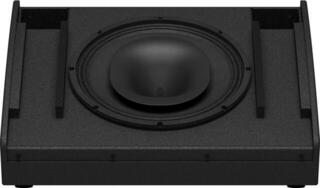
A larger woofer can support lower frequencies, but it does not automatically make the monitor clearer or more suitable for every instrument. Vocals need intelligible mids, a drummer may require a firmer foundation, and a guitarist precise cabinet orientation. The dimensions also affect space near the microphone stand, weight and sightlines on stage. Compare the entire frequency response and intended use, not just the diameter.
A coaxial design concentrates the drivers around one axis and can provide more even behaviour as the performer moves. A conventional layout has separate low-frequency and high-frequency drivers. Both solutions can work well; you will find the practical difference in the dispersion, ear position and the space where you use the monitor.
One mix for everyone or separate sends
If you connect two monitors from one auxiliary output, both reproduce the same instrument balance. Separate auxiliary outputs on the mixing console let the singer add vocals, the drummer bass, and the keyboardist reference vocals. Check that the monitor sends are set pre-main-fader so a volume change for the audience does not alter the monitor mix.
Each additional mix extends the soundcheck. First ask every performer for two or three truly necessary sources, then add the rest. An overcrowded monitor mix is usually less intelligible than a simple one. Set the volume controls on the cabinets consistently so the levels can be controlled from the console.
How to reduce the risk of feedback
- Place the monitor in the area the microphone picks up the least. That depends on its polar pattern.
- Keep the microphone close to the source and do not point it at the loudspeaker. The singer should not cover the rear openings of the microphone grille with their hand.
- Set input gain and monitor level without unnecessary volume headroom on stage.
- Look for the problematic frequency with narrow EQ only after checking the position. Do not blindly cut broad frequency bands.
- After every change, go through the loudest part of the programme and leave yourself a safe margin.
Feedback is not a property of a single monitor. It arises in a loop between the loudspeaker, room, microphone and amplification. Moving the cabinet or microphone can help more than additional processing. Keep sustained volume at a reasonable level and protect your hearing.
Floor monitor or in-ear monitoring
A floor monitor is heard naturally by the performer along with the stage and can be shared by more people. However, it raises stage volume and the signal can return into microphones. Wireless in-ear monitoring delivers a personal mix directly to headphones and frees up space, but requires correct fitting, coordination of wireless operation and safe level limiting.
Both solutions can be combined, for example headphones for the singer and a floor monitor for the others. The combination alone will not improve the result. Every additional system adds a signal path that needs testing. If you switch to in-ear monitoring, also allow for ambient microphones or an appropriate balance of ambient sound so the performer does not lose contact with the audience.
Connection and soundcheck
Run a balanced cable from the console's auxiliary output to the monitor's line input. Before switching on, turn down the volume, check the power supply and power up equipment in an order that limits thumps in the loudspeakers; reverse the procedure when switching off. Do not confuse microphone and line modes, because they have different sensitivities. Use the link output only as specified in the manual.
During the soundcheck, first set the input gains on the console, then the individual monitors. The performer should play or sing at performance volume. Go through the entire programme, including the quietest entries and the loudest parts. If the monitor also serves as a main loudspeaker, check the permitted orientation and mount it on a suitable loudspeaker stand.
Practical details for transport
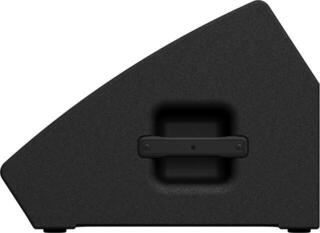
- Assess the weight together with the handles and the distance from the vehicle to the stage.
- A protective cover limits damage to controls, the grille and connectors.
- Prepare a signal cable and a power cable of suitable length for each monitor.
- Secure cables on the floor so they do not come loose when the performer moves.
- Before leaving, test every input and label the monitor according to its send on the console.
If you need monitoring as part of the complete sound system, plan it together with a PA system. The number of console outputs, power connections and space in the car can influence the choice just as much as the monitor's sound. Monitoring should remain intelligible at an appropriate volume and respond to a mix change without delaying the concert.